Compare software, understand costs, and plan your next step.
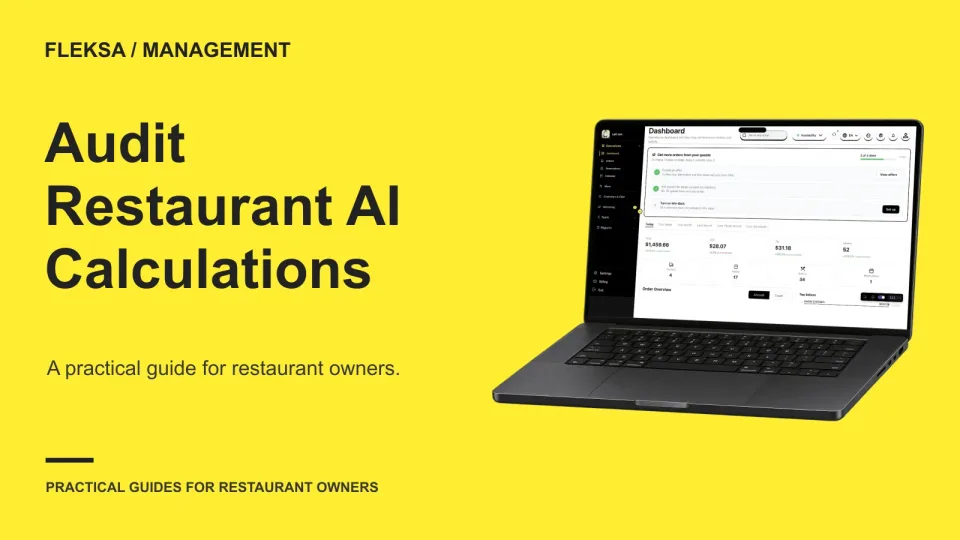
A plausible AI answer is not enough when it affects a restaurant decision. Use a three-day sales example to check whether a manager can trace the inputs, reproduce the formula, and spot what changed.
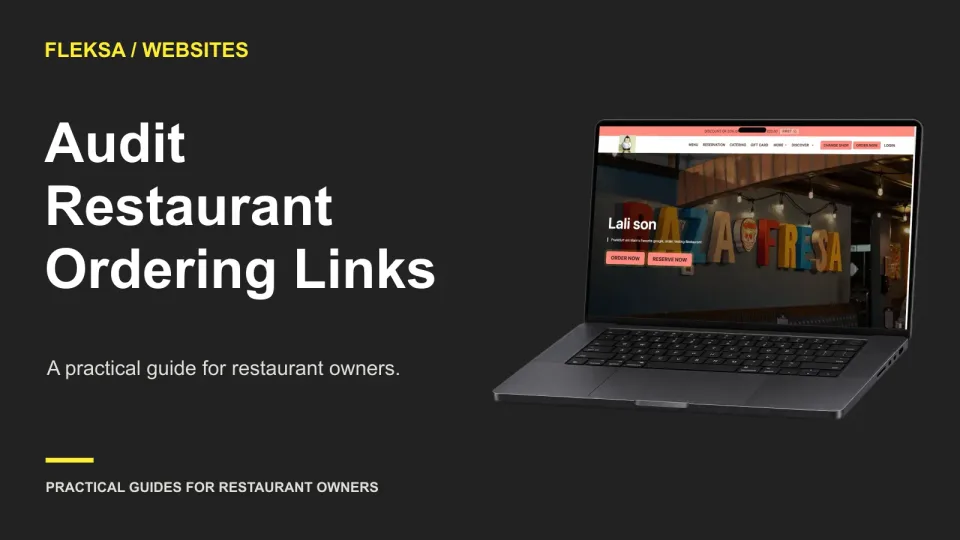
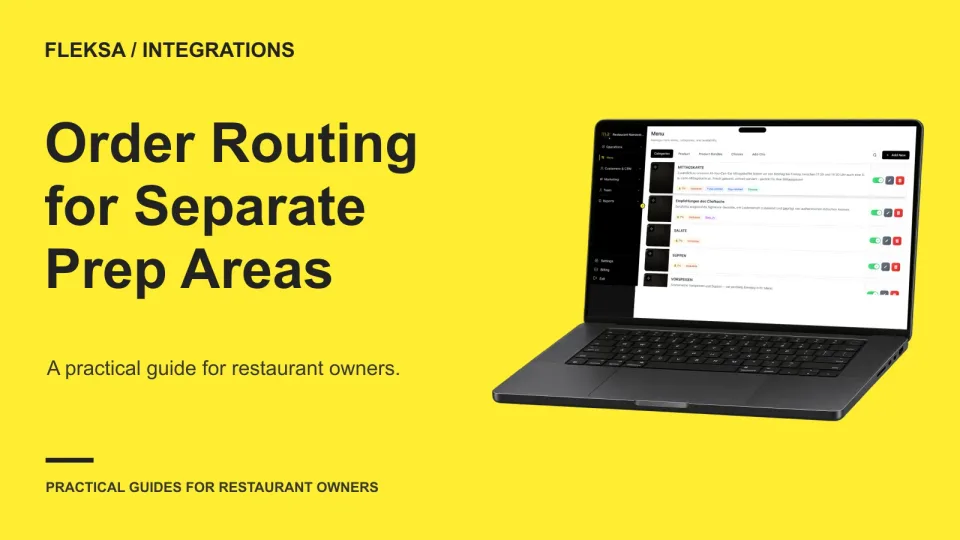
A working Order button can still send guests to the wrong location or service mode. Use this recurring audit to find bad destinations, assign fixes, and record retests before customers report a problem.
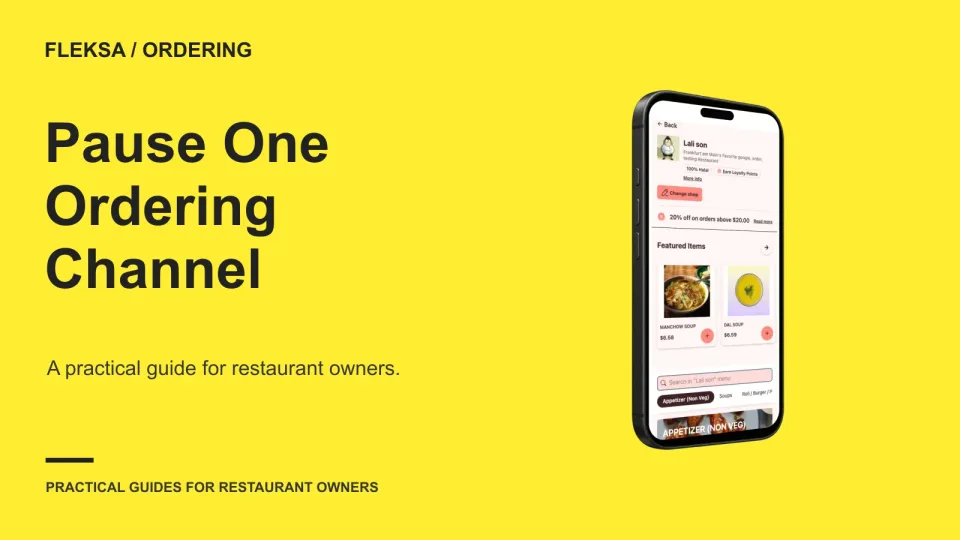
A targeted pause can give a busy kitchen room to catch up while keeping another way to order open. Use this practical decision tree to choose a channel, communicate the change, and reopen safely.
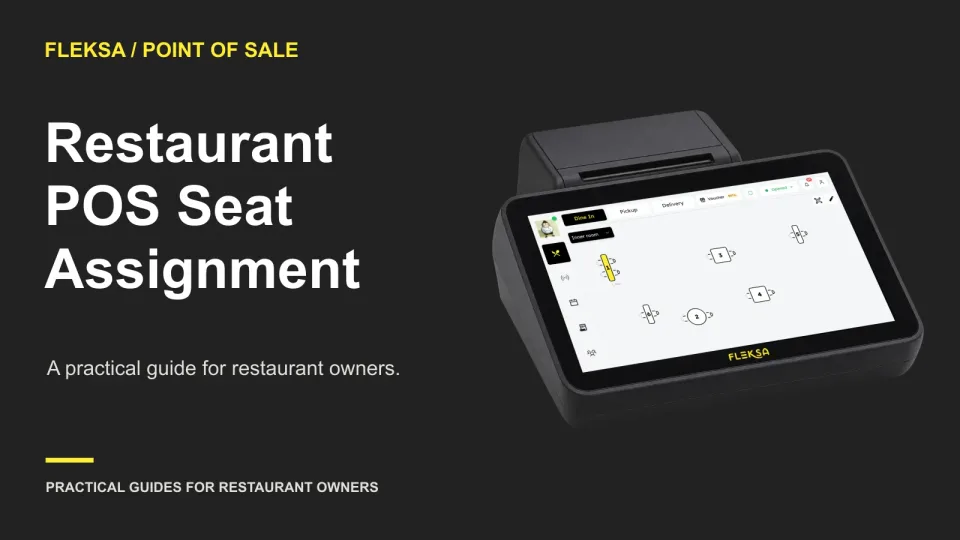
Seat numbers should help staff connect each item to the right guest before food leaves the kitchen. Use a four-seat order map to compare POS workflows, check exceptions, and set a clear acceptance rule before buying.
A delivery order can contain food and drinks prepared in different places. Use a sample order to check station visibility, shared order identity, completion signals, and handoff responsibility before choosing an aggregator.
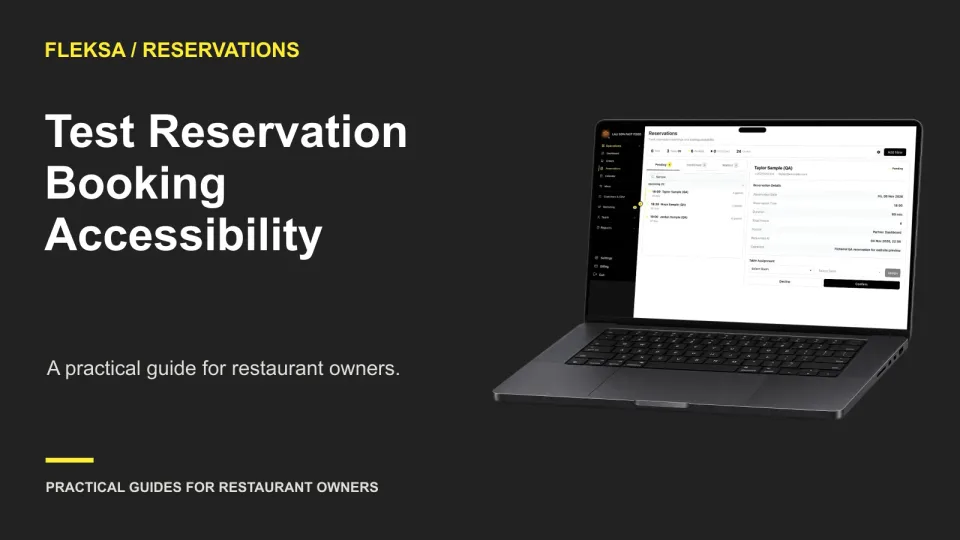
A reservation tool can look simple and still block guests who use a keyboard or screen reader. Use these practical checks to compare booking flows, record serious failures and get clear commitments before you buy.
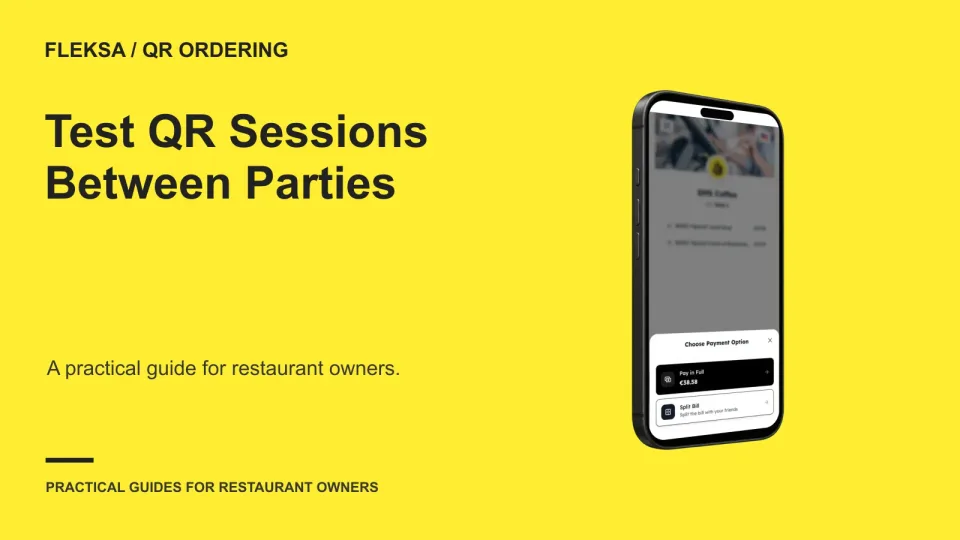
A settled check does not necessarily end a guest’s phone session. Use this practical worksheet to check what happens when a previous guest opens an old QR ordering page after a new party is seated.
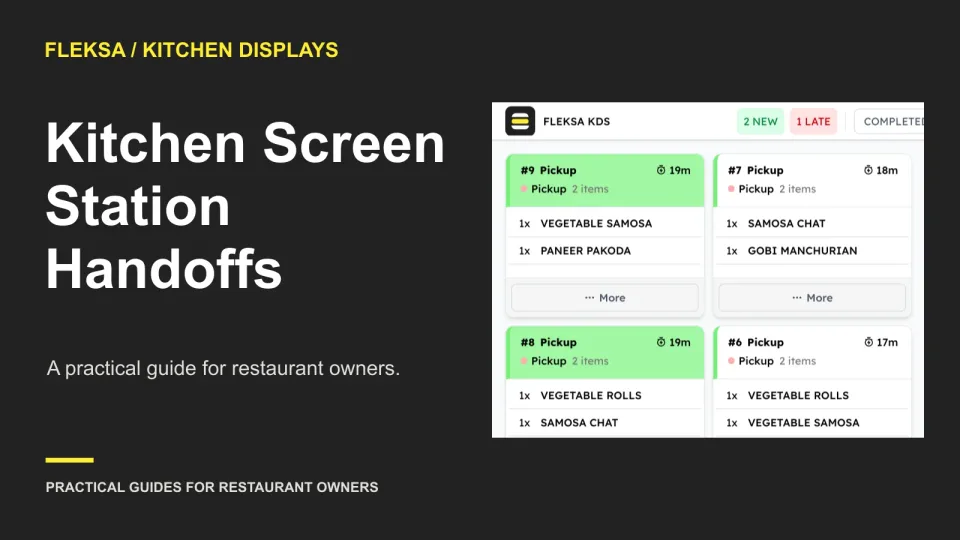
A finished item can disappear from the kitchen’s view before the next station is ready. Use this handoff worksheet and a simulated missed-acceptance test to compare screen workflows before you buy.
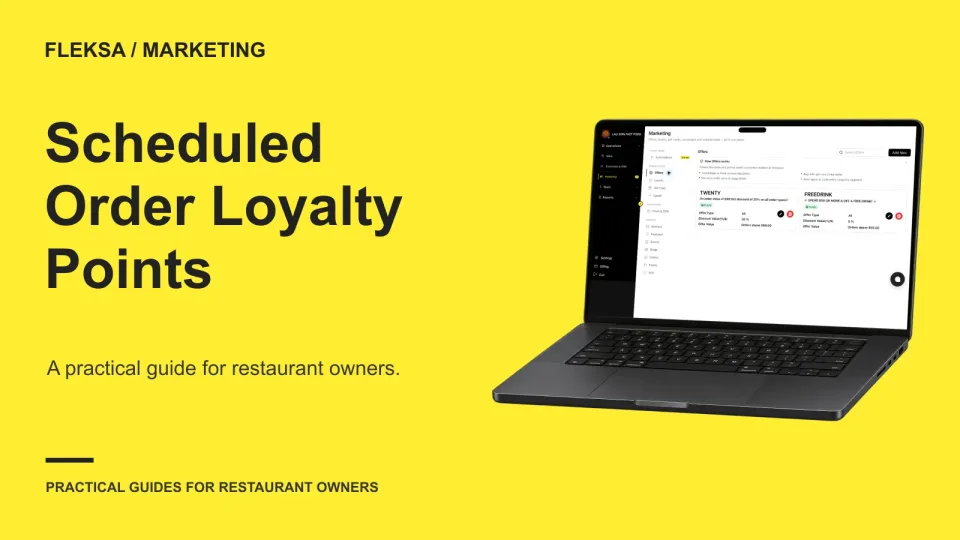
A scheduled order can be placed and paid for long before the guest receives it. Compare when loyalty points should be earned and available, then use a practical test to check cancellations, guest messages, and redemption.
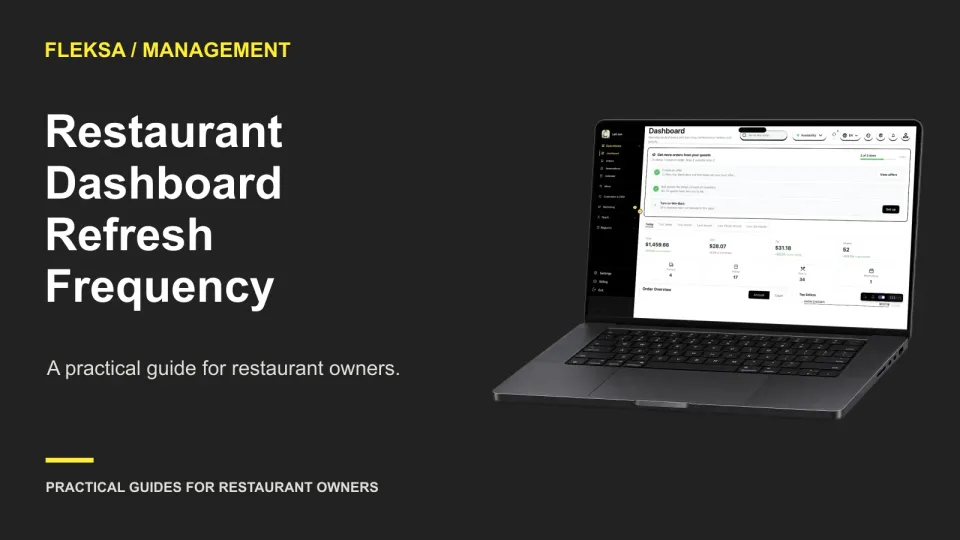
A dashboard can be useful for closeout and still arrive too late for a staffing decision. Use this worksheet to set a refresh threshold, assign an escalation owner, and test what happens when sales data is late.
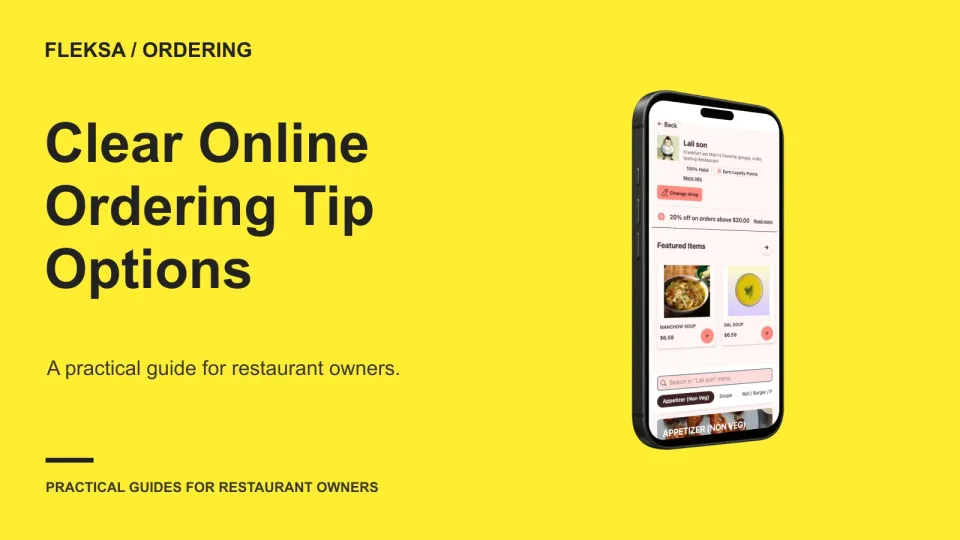
A clear online tip prompt gives guests a genuine choice and shows how each option changes the total. Use these sample totals and checkout questions to review your setup before accepting orders.
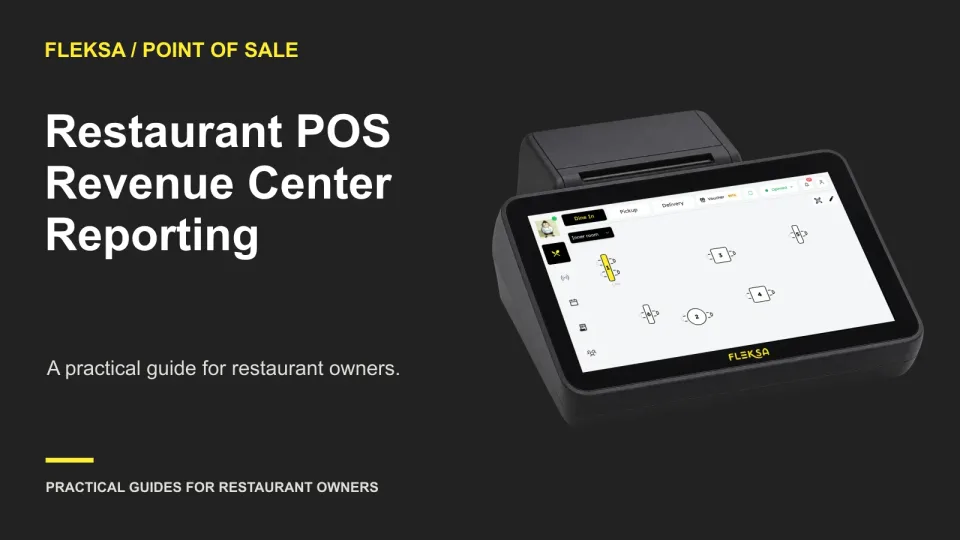
A revenue-center report should show what the bar and dining room earned without changing the restaurant total. Use this worksheet to set allocation rules, walk through exceptions, and compare POS demonstrations.
Page 36 of 94
Older articles for diners