Compare software, understand costs, and plan your next step.
A single tablet can simplify delivery order intake, but only if orders reach the right POS and kitchen workflow. Compare providers by your actual channels, test exceptions safely, and ask for a complete operating quote.
A reservation report and a POS report can both be right while showing different cover counts. Learn how to trace split checks, walk-ins, and changed party sizes before deciding whether a discrepancy needs correction.
A QR code can take an order, but someone still needs to notice it and get food to the right guest. Use this seating-area worksheet to decide where phone ordering fits and where another service model is safer.
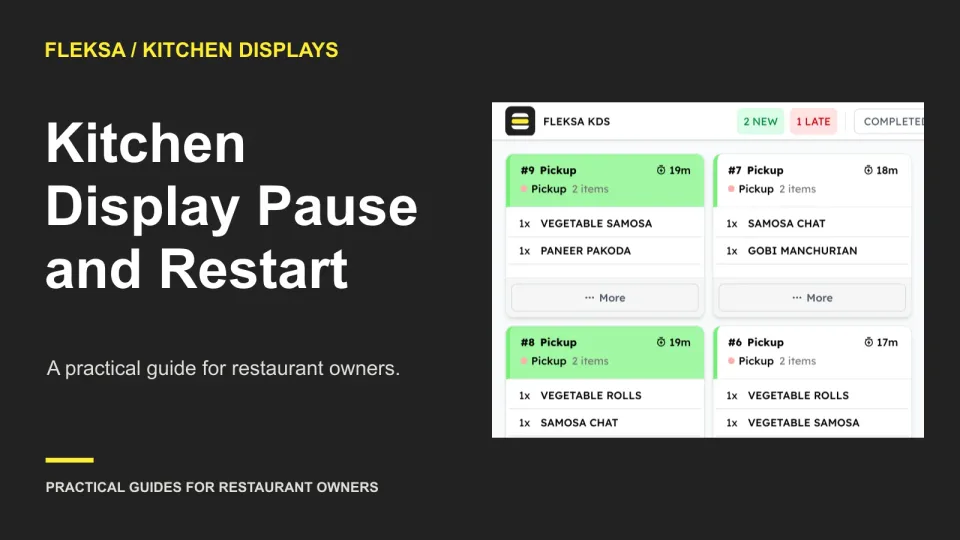
A paused kitchen ticket needs a clear owner, a visible status, and a reliable path back to preparation. Use this worksheet to compare display workflows and test what cooks see when a delayed order resumes.
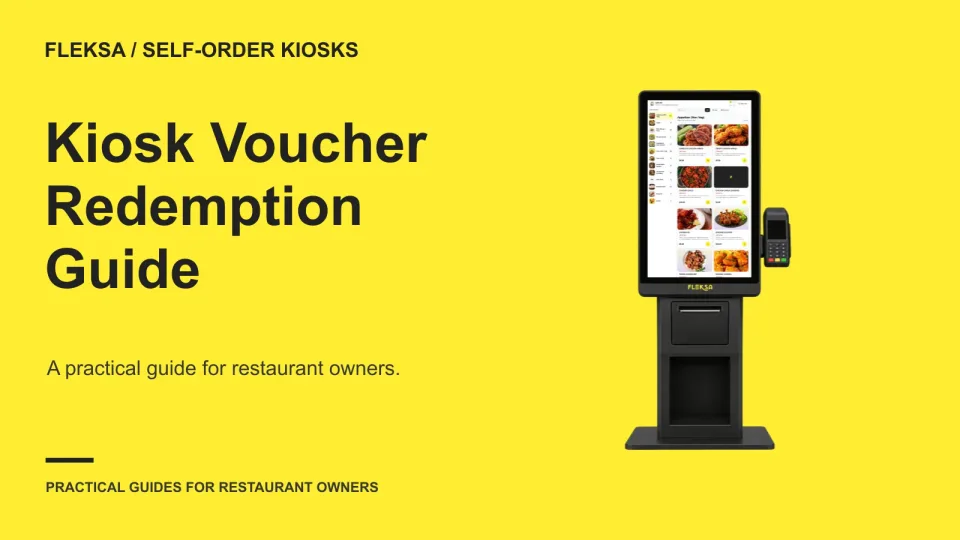
A kiosk voucher needs more than a code field. Learn how to trace an offer through an order, check the price before payment, and give staff a practical way to help when a promotion is rejected.
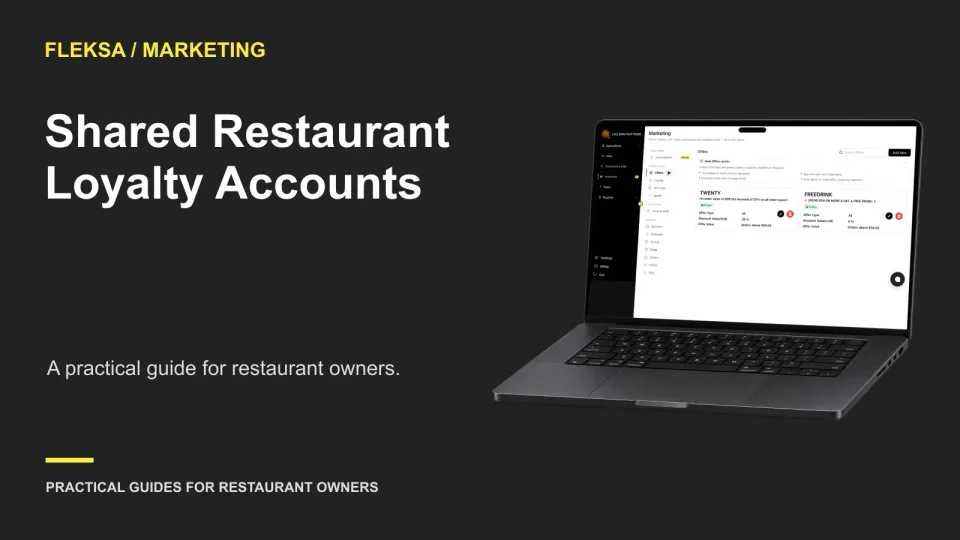
Shared loyalty accounts can make rewards easier for families to use, but they also create questions about access, redemption, and disputes. Use this worksheet to choose a policy and check whether your software and staff can support it.
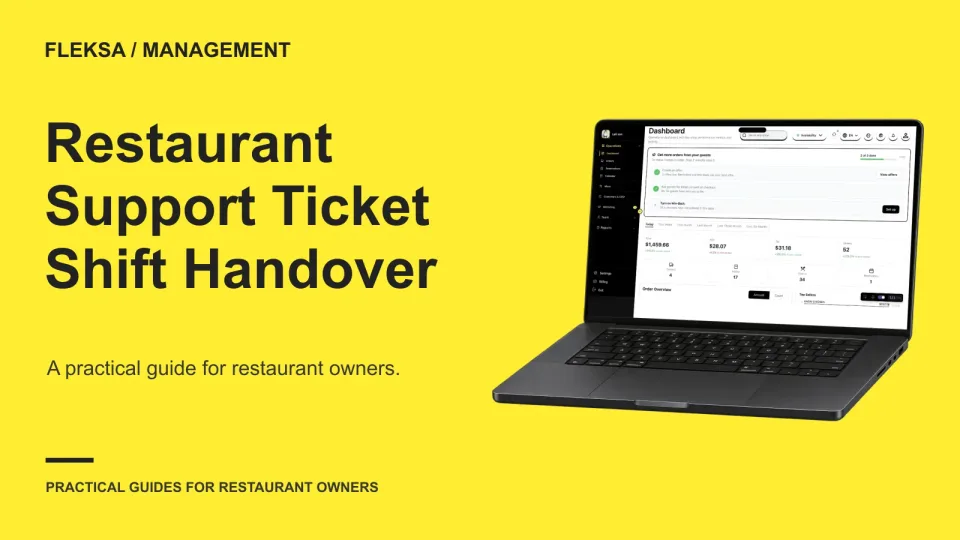
A support ticket can stall when the employee who reported it clocks out. Use this handover worksheet and a safe simulated reply test to give the next shift the context, authority and next action it needs.
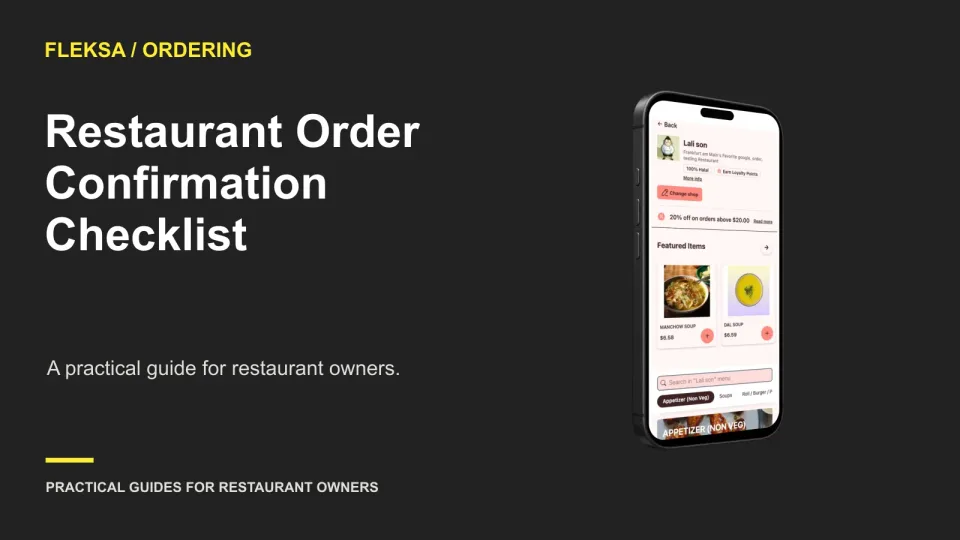
A useful order confirmation tells guests what the restaurant accepted, what they owe, when and how they will receive it, and who to contact. Use this checklist and sample message to review your current setup.
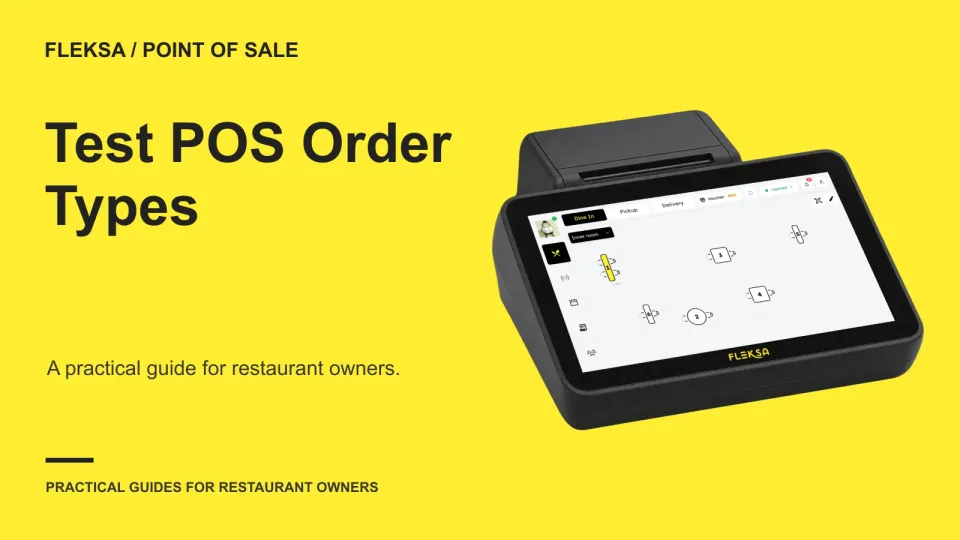
A dine-in or takeout label needs to stay accurate beyond the first tap. Use this practical test to check order changes, staff permissions, receipts, tax treatment, and reports before choosing a restaurant POS.
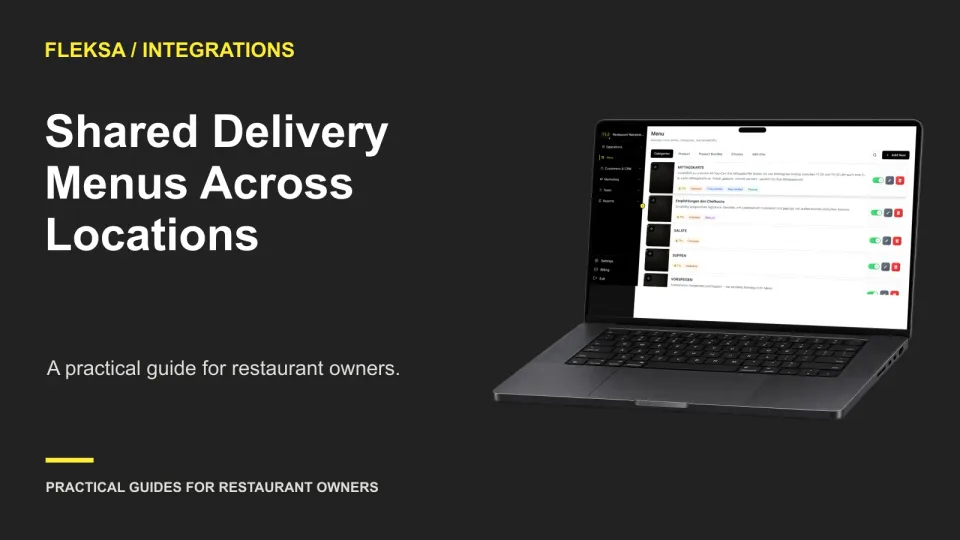
A shared menu can save work across restaurant locations, but one edit may reach more storefronts than intended. Use this practical evaluation to map ownership, test edit scope, and document approval and rollback before choosing software.
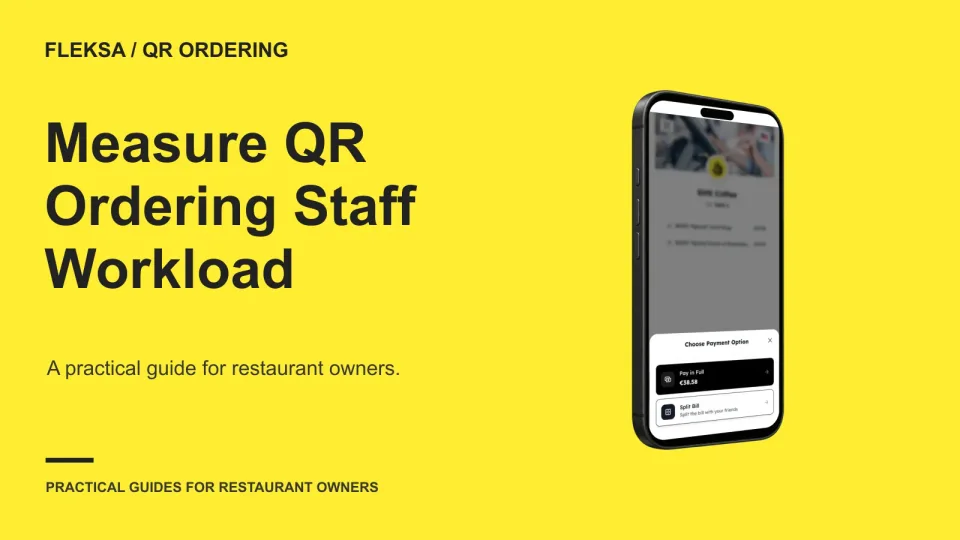
QR orders can reduce routine order-taking work while creating new tasks for servers. Use this shift worksheet to count exception minutes, compare them with staffed service, and decide whether the workflow deserves more testing.
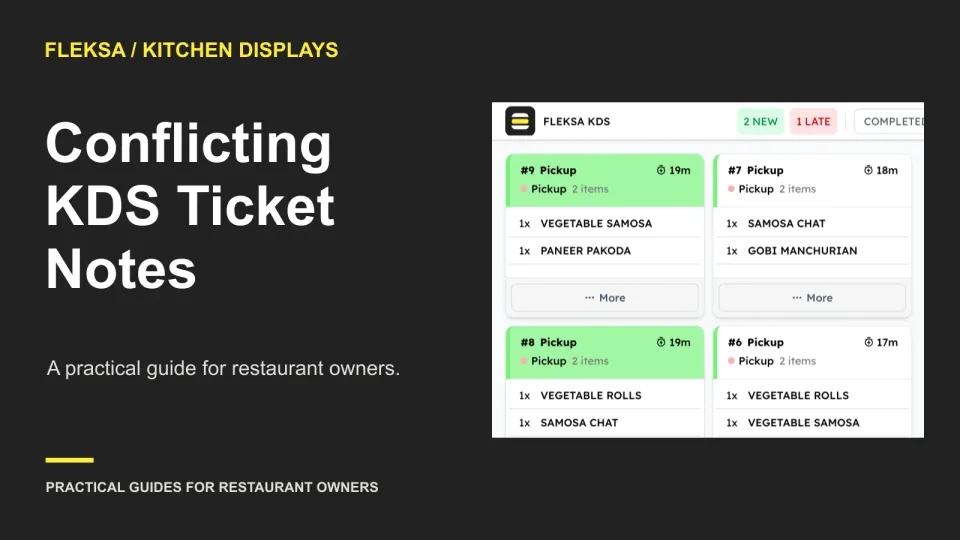
An item note and an order-wide instruction can tell your kitchen to do opposite things. Use this practical worksheet to check ticket visibility, assign a clarification owner, and test a kitchen display before preparation begins.
Page 37 of 94
Older articles for diners