Compare software, understand costs, and plan your next step.
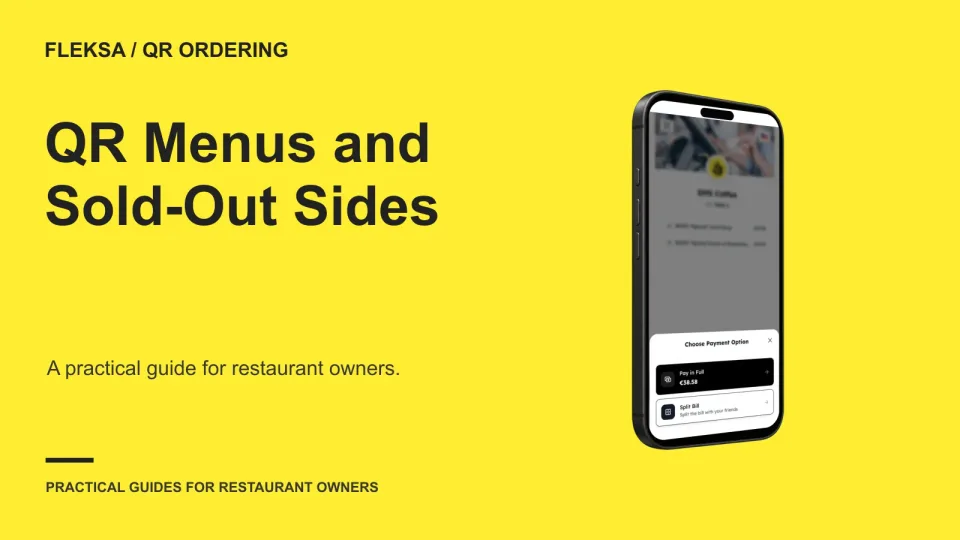
An entrée can be available while one required side is not. Use this worksheet to compare how QR ordering systems handle that choice, protect the cart, and give the kitchen a clear ticket when availability changes.
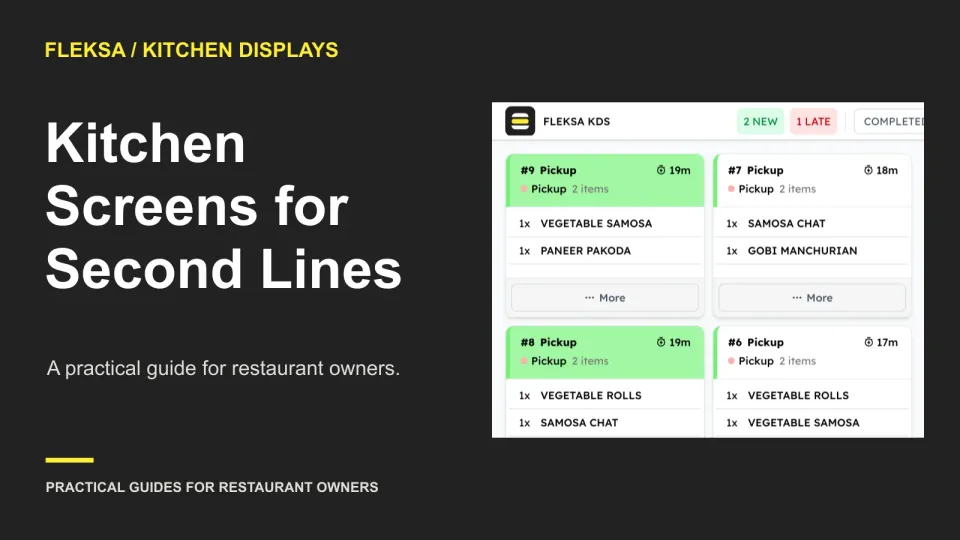
A second preparation line needs more than another screen. Use this practical worksheet to test capacity, shared-item assignments, mixed-ticket handoffs and the full operating quote before you commit.
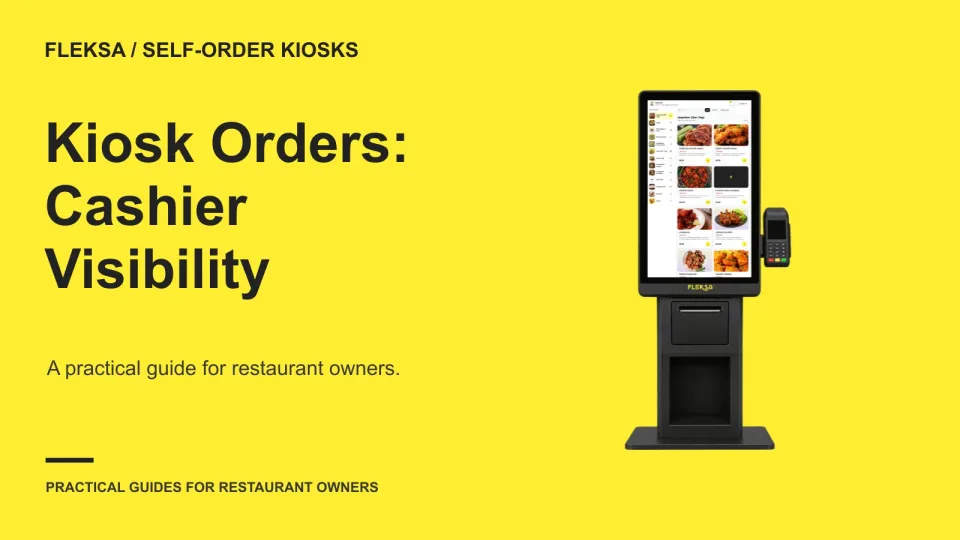
A cashier needs more than a list of kiosk transactions to help a guest find an order. Use this worksheet to compare lookup methods, resolve similar orders and test what happens when a match is uncertain.
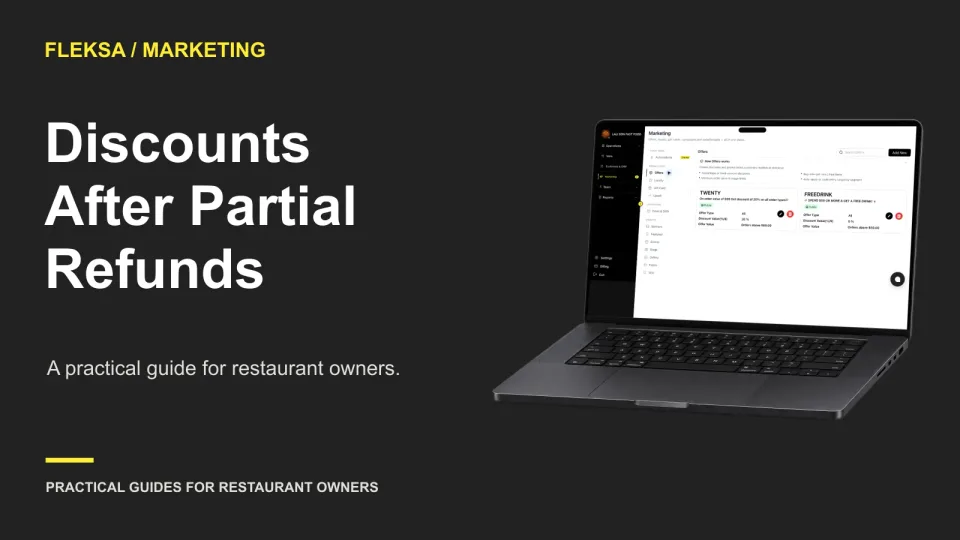
A partial refund can change the value of an order promotion. Use a simple allocation worksheet to set an expected refund, compare policy options, and check how your ordering and POS tools record the adjustment.
A restaurant AI answer can sound right while using the wrong date or location. Use this two-turn worksheet to check the sources, compare a fresh query, and decide what your team should do when the answer fails.
Frequent menu changes need more than a quick edit. Set up clear item records, assign owners, and check each customer-facing destination so staff can change prices and availability without creating conflicting menus.
A location selector is only the start. Use this practical test matrix to compare how ordering platforms handle different menus, manager permissions, location-specific pauses, reporting, and support before you sign.
A POS can support sales-per-guest comparisons only if its cover counts and sales reports use compatible rules. Use a changing-party scenario and a sample worksheet to see what to ask before choosing a system.
A scheduled delivery order can arrive hours before the kitchen needs to act. Use this timeline and handoff test to compare what staff can see, change, and prepare across your delivery channels and POS.
A prepaid ticket collects the event price before service; an ordinary reservation holds a table for payment later. Use this worksheet to compare guest commitment, seating limits, payment costs, and the work your staff must handle.
A scheduled menu change is not necessarily a preview. Use this practical worksheet to check an item, price and service area on a test device, assign approval, and agree on a recovery plan before publishing.
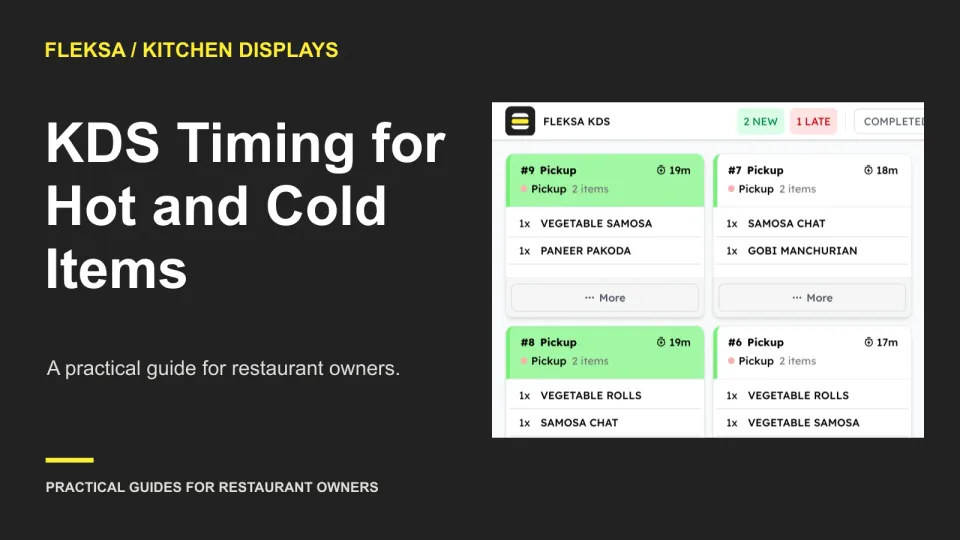
When a hot dish and cold drink finish at different times, expo needs more than a completed ticket. Use this worksheet to compare preparation timing, waiting-item visibility, and escalation workflows before choosing a kitchen display system.
Page 41 of 94
Older articles for diners