Restaurant Software Guides

Compare software, understand costs, and plan your next step.

Latest Articles

Point of sale

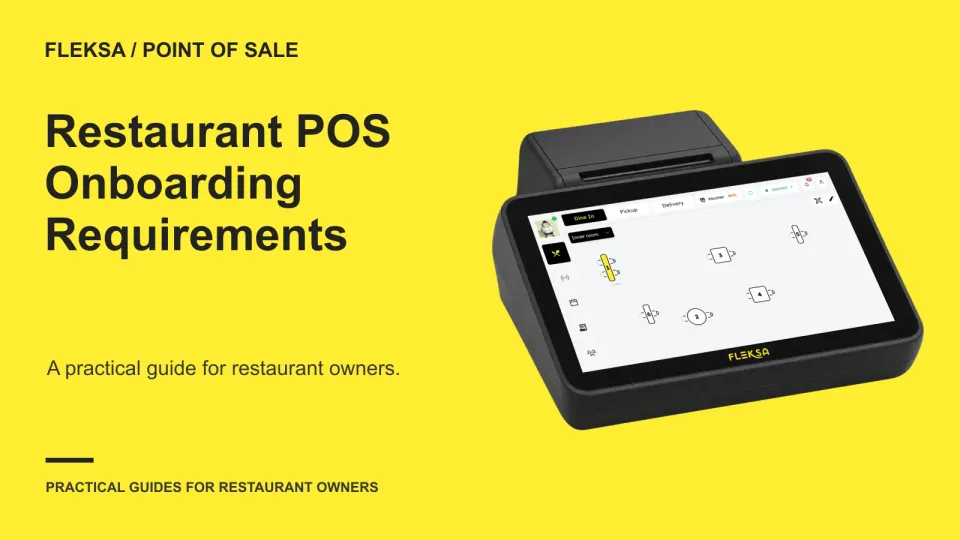
Restaurant POS Onboarding Requirements: What to Prepare

Before choosing a restaurant POS, find out what each vendor needs to configure it. Use a readiness sheet to assign owners, flag approvals and compare how vendors handle a missing menu field before you commit.

Read →
Connected orders

How to Trace a Delivery Order Across an Aggregator and POS

A delivery order can have a different reference in every system it touches. Use this practical map to connect channel, aggregator, POS, and kitchen records, then give support enough information to investigate without sharing unnecessary guest details.

Read →
Reservations

How to Compare Reservation Systems for Booking Charge Disclosure

A reservation charge should never surprise a guest after confirmation. Use this operator worksheet to compare booking fees with meal deposits, check receipts and staff corrections, and test what a vendor can actually show.

Read →
QR ordering

How to Identify Counter Seats for QR Ordering

A shared counter needs a way to connect each QR order to a guest. Compare seat-level identifiers with a staffed handoff, and use a practical demonstration to check what happens when a guest moves.

Read →
Kitchen displays

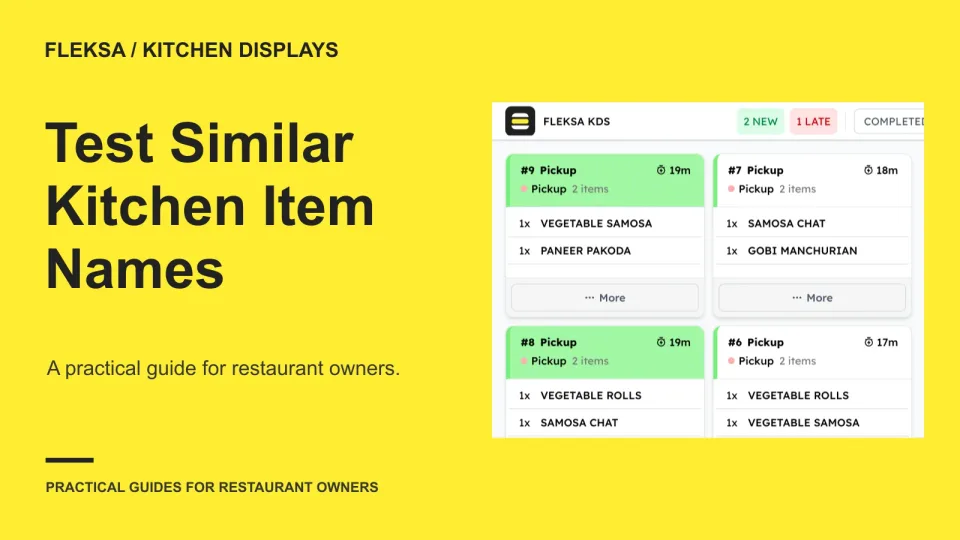
How to Test Kitchen Screens for Duplicate Item Names

Two burgers can have nearly identical names but need different recipes. Use this worksheet and simulated order test to decide whether your kitchen display gives cooks enough information to prepare each one correctly.

Read →
Marketing

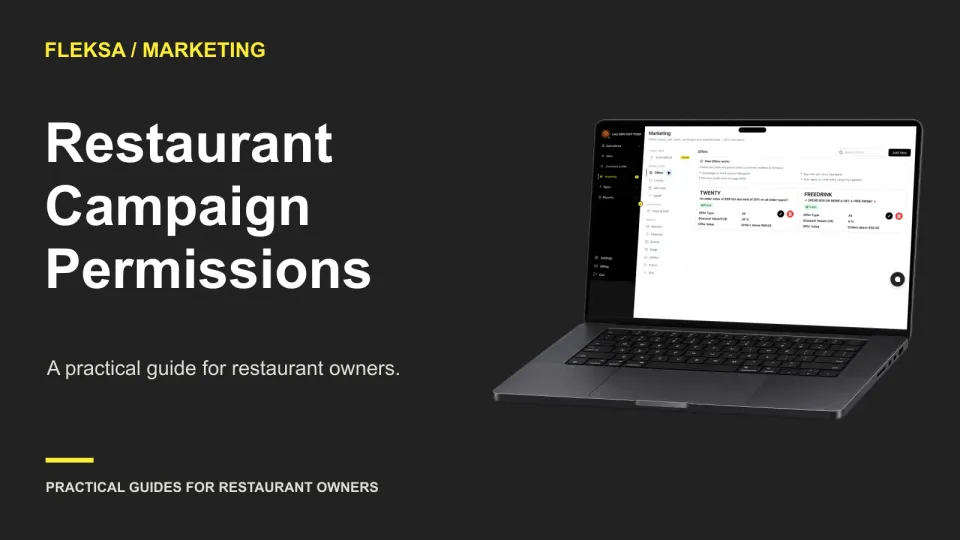
Who Should Prepare, Approve and Send Restaurant Campaigns?

A restaurant campaign needs a clear owner, a separate approval step and limits on guest data access. Use this role matrix and simulated send test to decide which permissions your team needs.

Read →
Websites

How to Test an Owner-Editable Restaurant Website Menu

Before staff take over website menu updates, test a representative edit from start to finish. This practical script covers source information, permissions, preview, mobile readability, publication, and recovery when an item goes live incorrectly.

Read →
Ordering & delivery

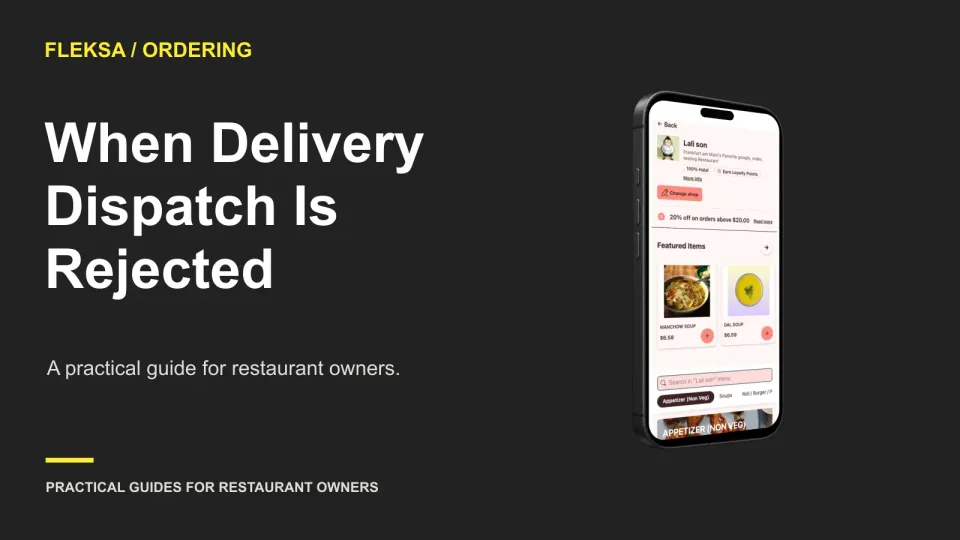
What to Do When a Delivery Partner Rejects a Direct Order

An accepted order and an accepted delivery request are separate events. Give staff a clear path to verify dispatch, find an authorized alternative, contact the guest, and resolve payment without making the meal twice.

Read →
Point of sale

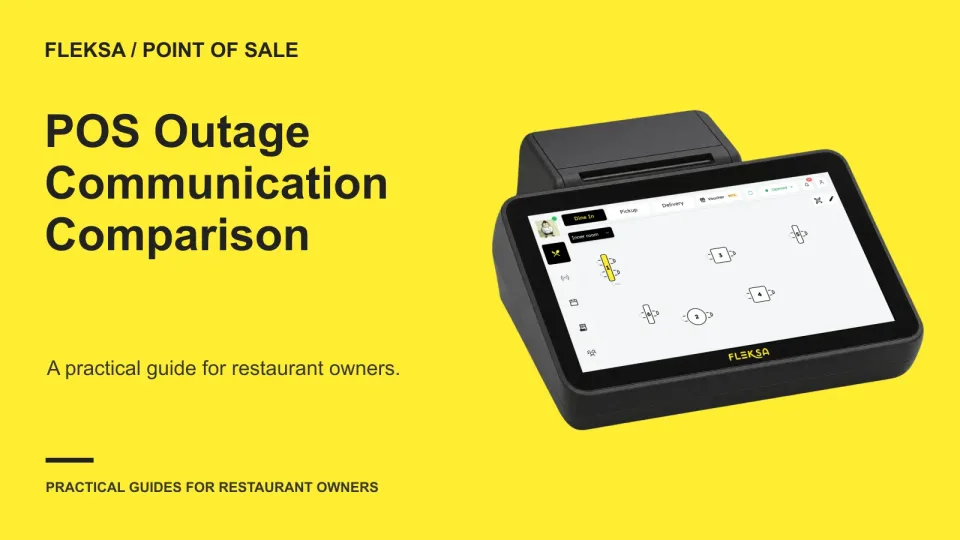
How to Compare POS Vendor Incident Communication

When a POS disruption hits during service, staff need more than a support number. Use a sample incident and a communication tree to compare who gets updates, when the next message arrives, and how the vendor confirms recovery.

Read →
Connected orders

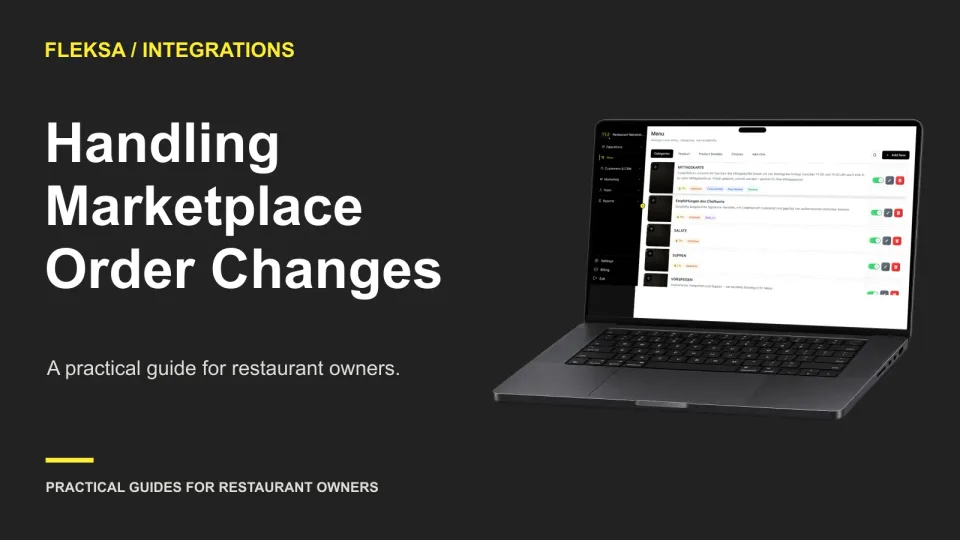
How to Handle Marketplace Order Changes After Acceptance

A marketplace change can arrive after the kitchen has already started the original ticket. Use a channel-by-channel handoff matrix to find out where updates appear, who checks them, and what staff should do when the instructions conflict.

Read →
Reservations

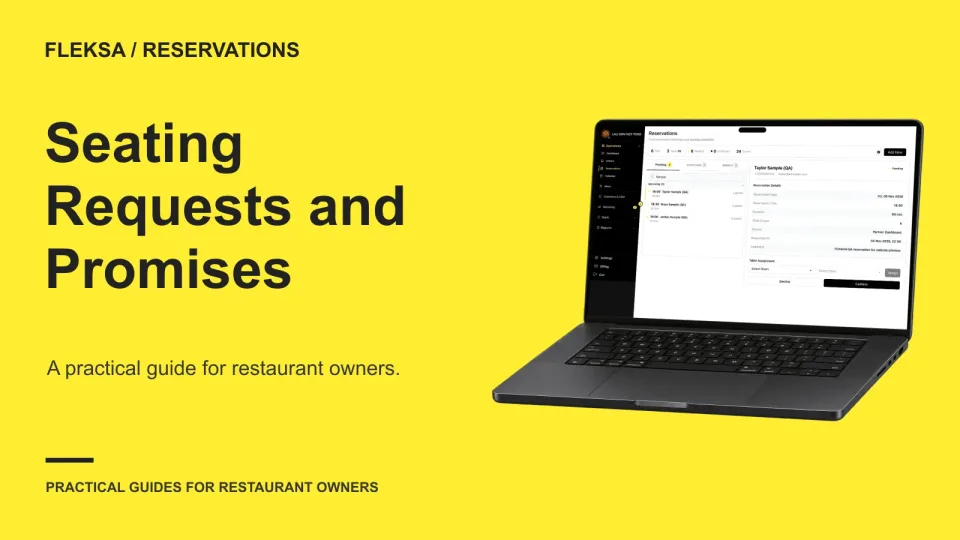
How to Compare Reservation Systems for Seating Preferences

A patio request and a promised patio table are different commitments. Use this guide to compare reservation workflows, assign responsibility for exceptions, and test what happens when a guest's preferred seating is unavailable.

Read →
QR ordering

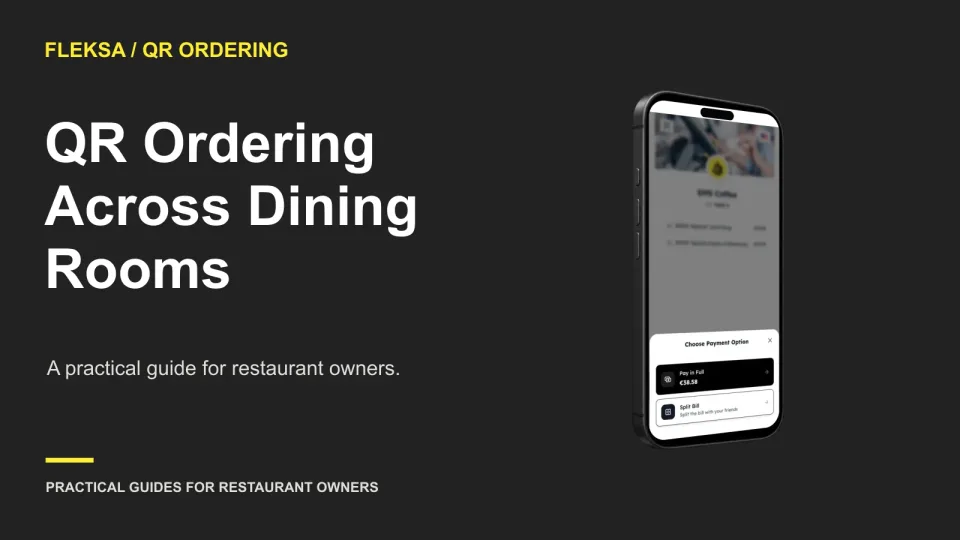
QR Ordering Across Dining Rooms With Repeated Table Numbers

Two dining rooms can each have a table 4, but a runner needs to know which one placed an order. Use this worksheet and vendor demonstration to check room identity, handoffs, and exception handling before choosing QR ordering software.

Read →

Older articles for diners