Compare software, understand costs, and plan your next step.
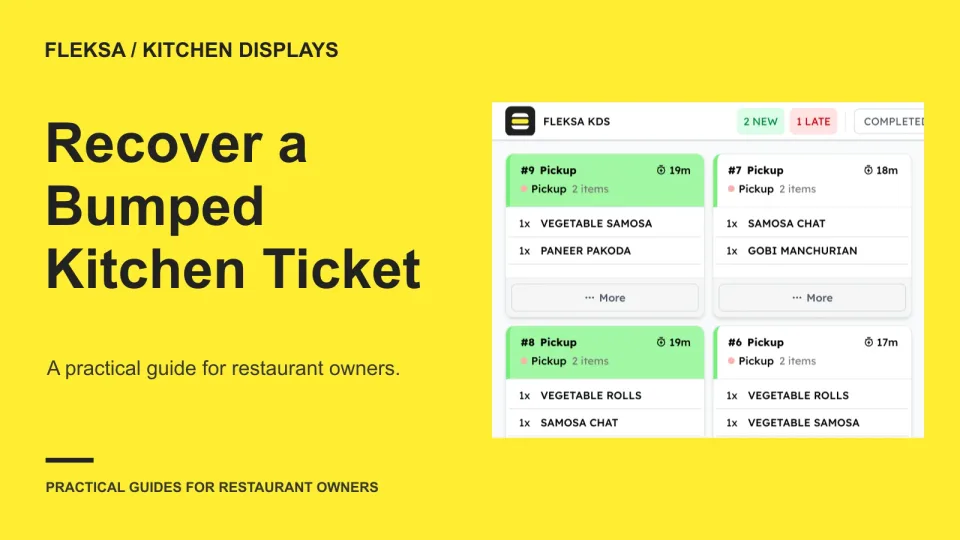
An accidental bump does not always mean an order needs to be cooked again. Use this checklist to evaluate recall controls, establish what each station has done, and confirm the guest receives the right order.
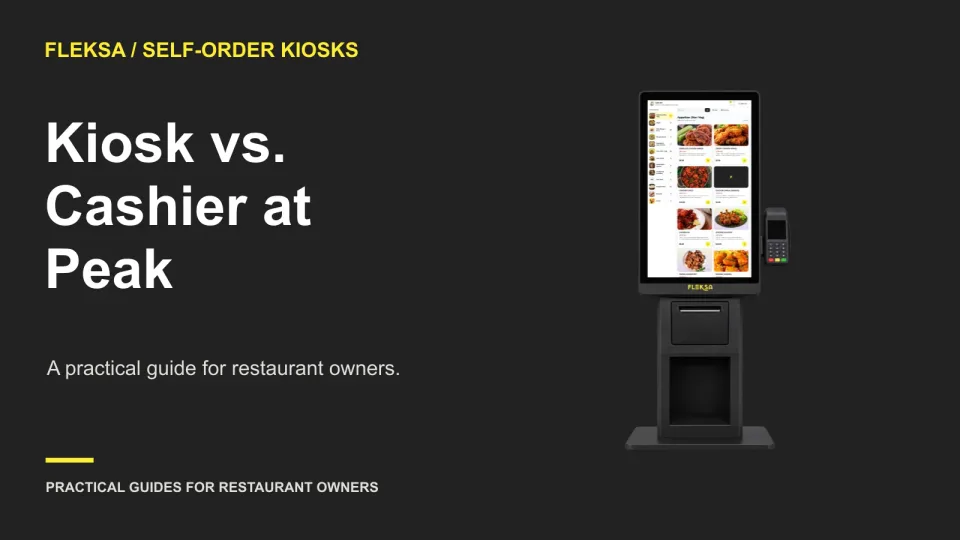
A kiosk helps during a rush only if guests can order without overwhelming the cashier or shifting the line to pickup. Use this worksheet to compare capacity, plan assistance, and test the setup before buying.
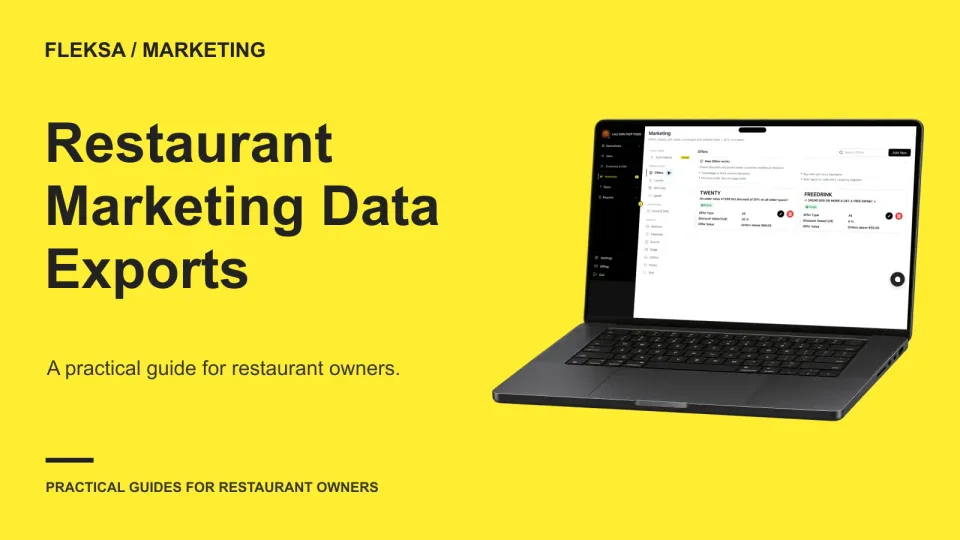
A customer list alone may not let you continue a restaurant marketing campaign. Use this field-by-field guide to check identifiers, preferences, consent evidence, and suppression records before choosing a new provider.
Before you rely on restaurant software during a busy shift, check who answers, when they answer, and how an urgent issue moves up the queue. Use this practical matrix and rehearsal to evaluate a vendor’s support commitments.
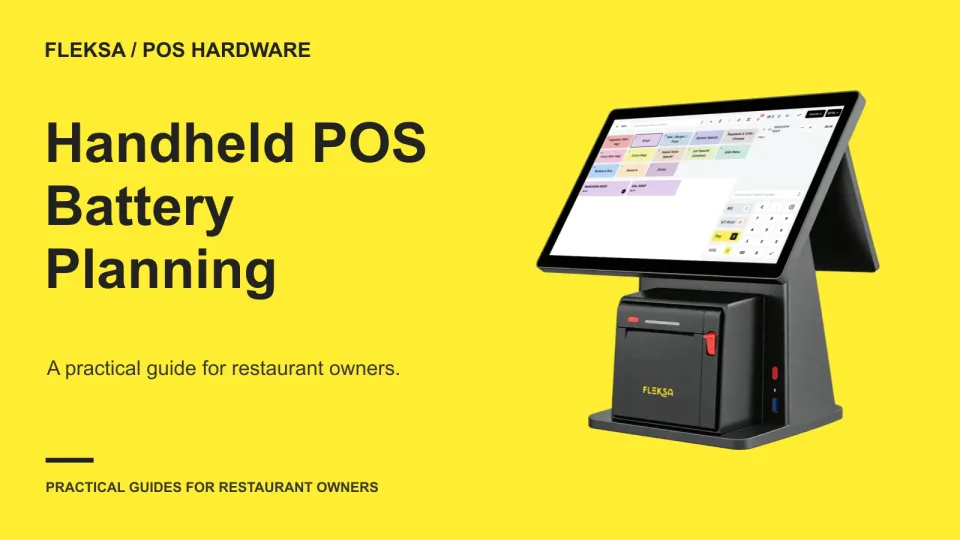
A handheld POS needs enough charge for setup, service, and close—not just the dinner rush. Use a coverage schedule to decide how many devices to charge, when to rotate them, and where to keep a ready spare.
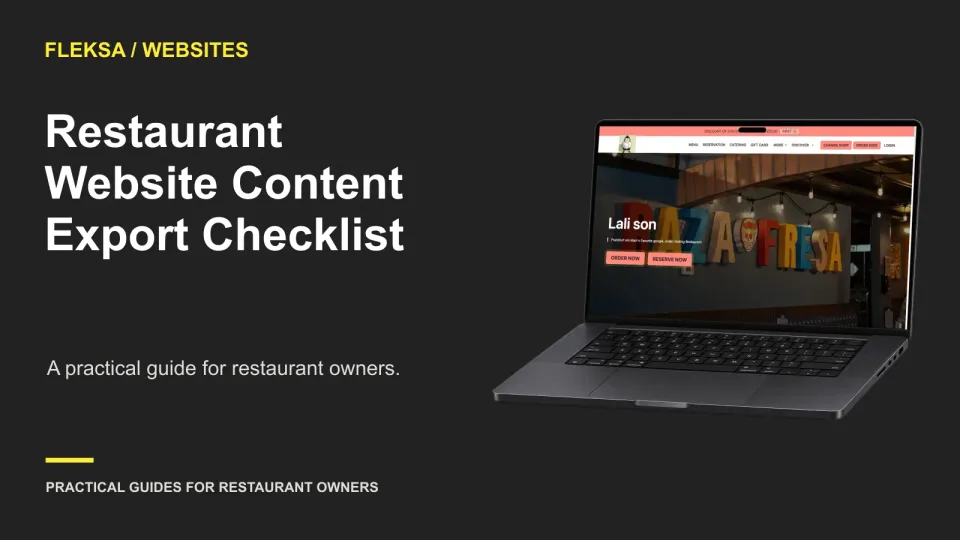
Before buying a restaurant website, find out what you can take with you. Use this checklist to examine export files, image rights, menu formats and the practical work of rebuilding on another platform.
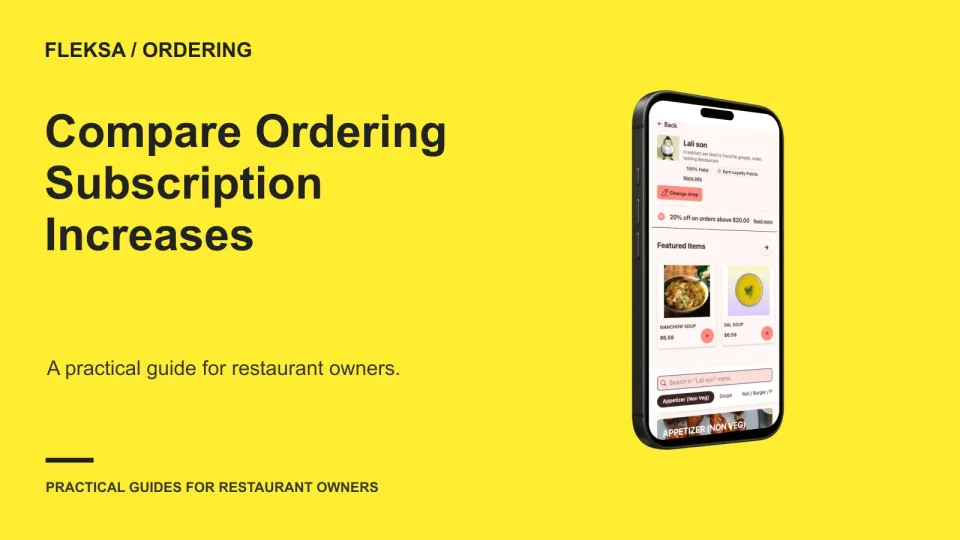
A renewal increase is a good reason to compare your ordering costs, but the lowest monthly fee may not be the cheapest choice. Use this worksheet to account for order volume, fulfillment and the work of switching.
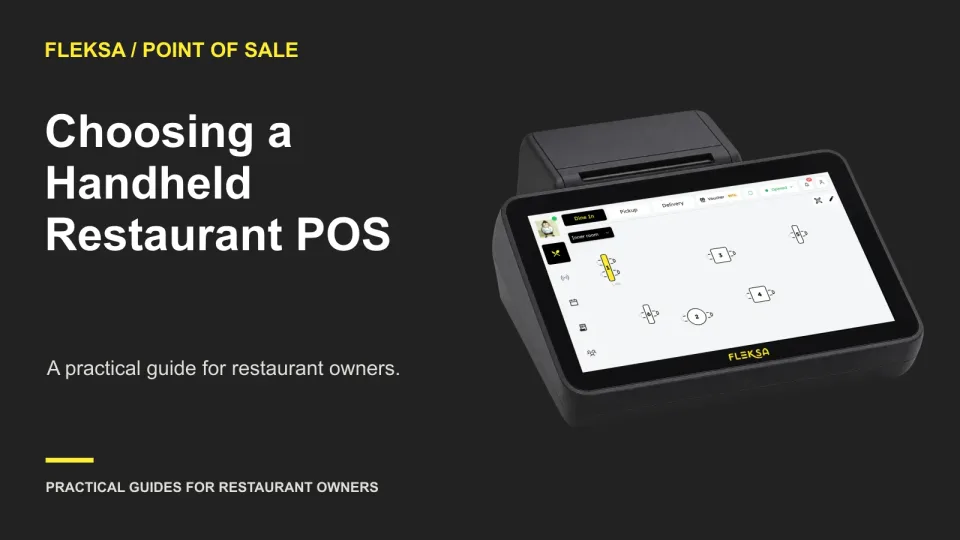
A handheld can help servers enter orders and handle checks away from a fixed station, but it also adds costs and dependencies. Use this service and cost scorecard to decide whether it fits your restaurant.
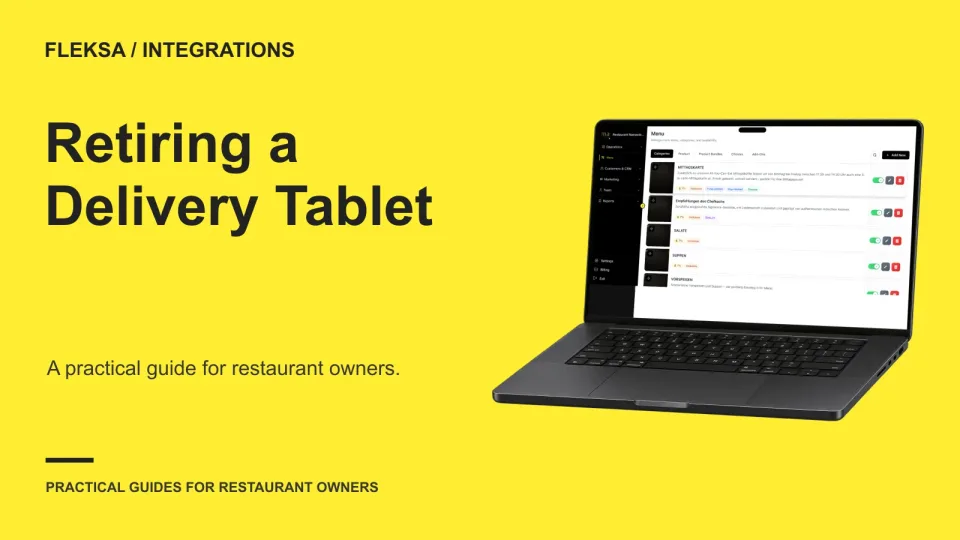
A marketplace tablet is ready to retire only when its essential jobs have another owner and a tested workflow. Use this channel-by-channel sign-off to check activation, order handling, exceptions, outages, and a practical way back.
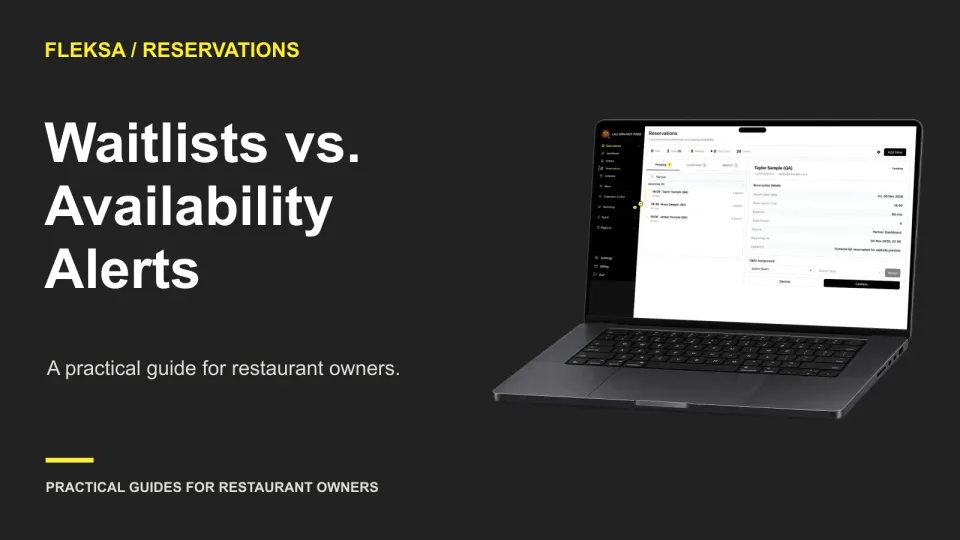
A managed waitlist gives staff more control over who gets an opening. An availability alert lets interested guests compete for it. Use this worksheet to choose a model that fits your service and guest expectations.
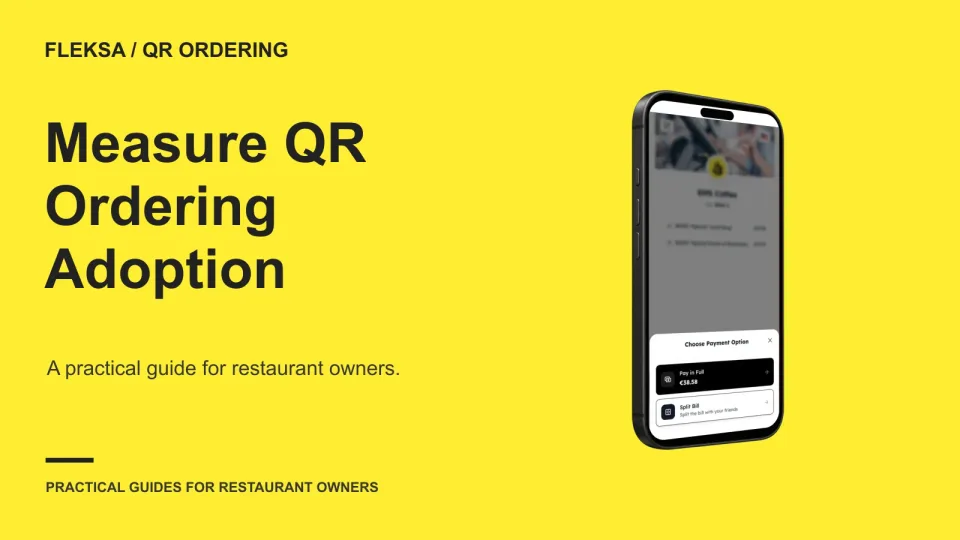
A QR scan shows interest, not a sale. Use a consistent count of eligible guest parties, track orders and payments separately, and choose a service test based on where guests leave the ordering process.
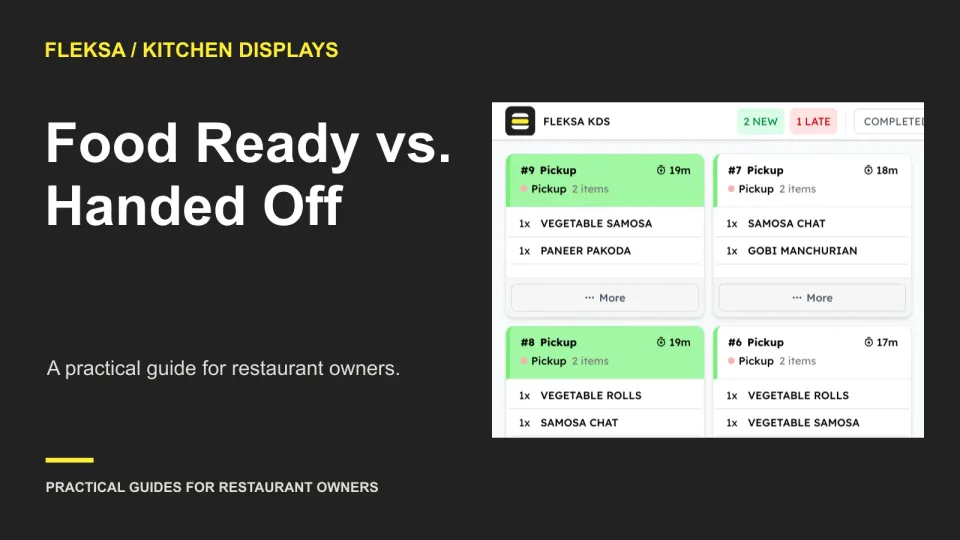
A finished dish is not the same as an order in a guest’s hands. Use these state definitions, owner assignments, and demo scenarios to evaluate how a kitchen display handles readiness, missing items, and pickup delays.
Page 5 of 94
Older articles for diners