Compare software, understand costs, and plan your next step.
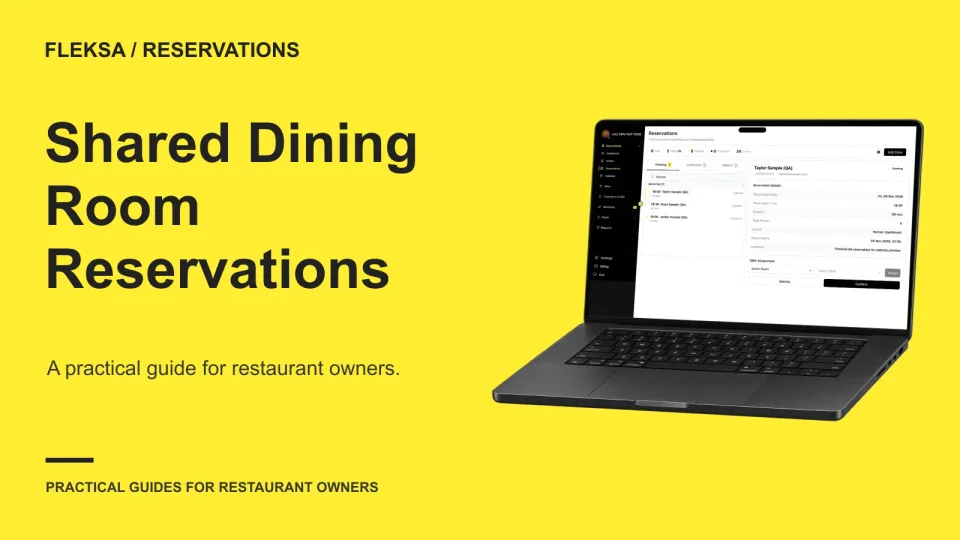
When two service teams book the same dining room, both need to know who can promise each table. Use this decision worksheet to compare shared inventory with a controlled handoff and test what happens when requests collide.
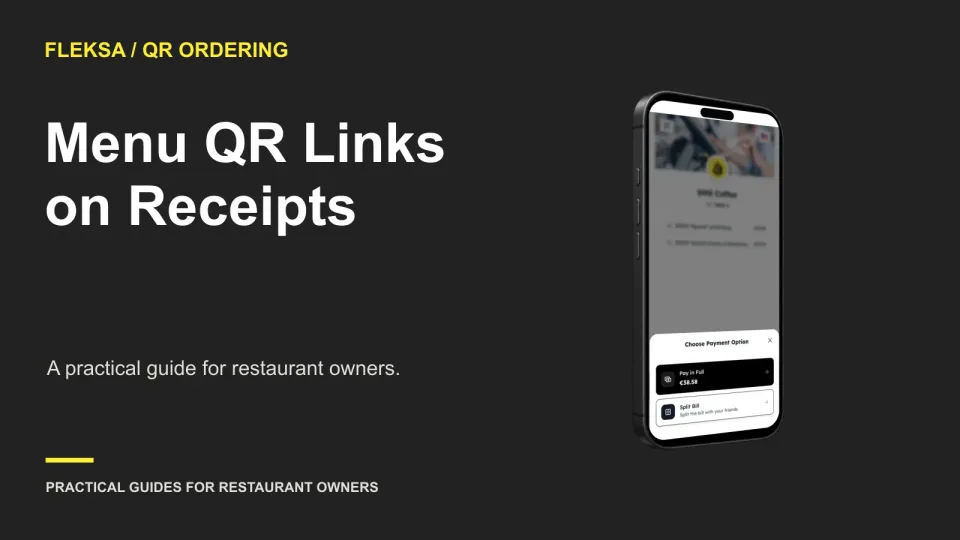
A receipt QR code can help guests find your menu after a visit, but a table-linked code can create the wrong context away from the table. Use this worksheet to choose a link and test its behavior.
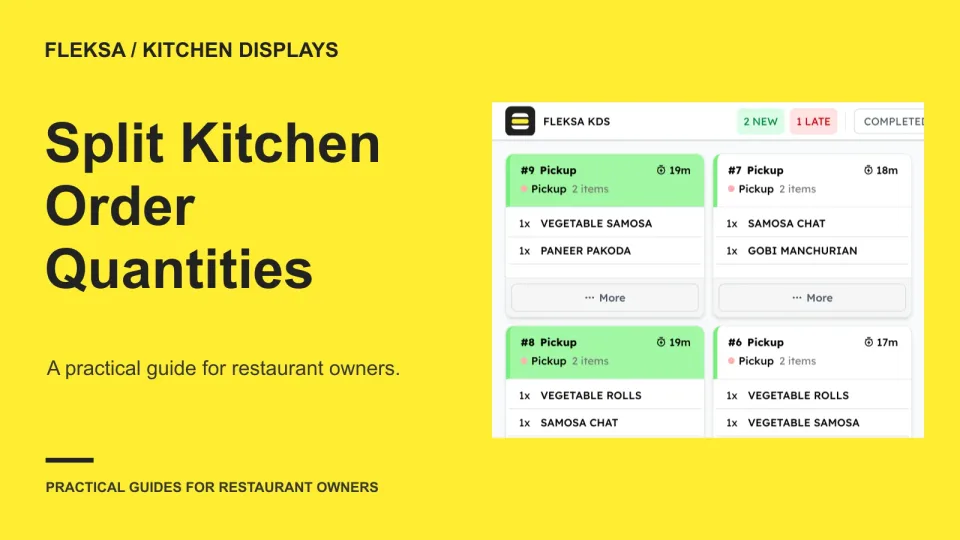
A kitchen can divide a large item quantity between cooks, but the display must make the assignments and order total easy to reconcile. Use this practical worksheet to compare workflows and set clear exception rules.
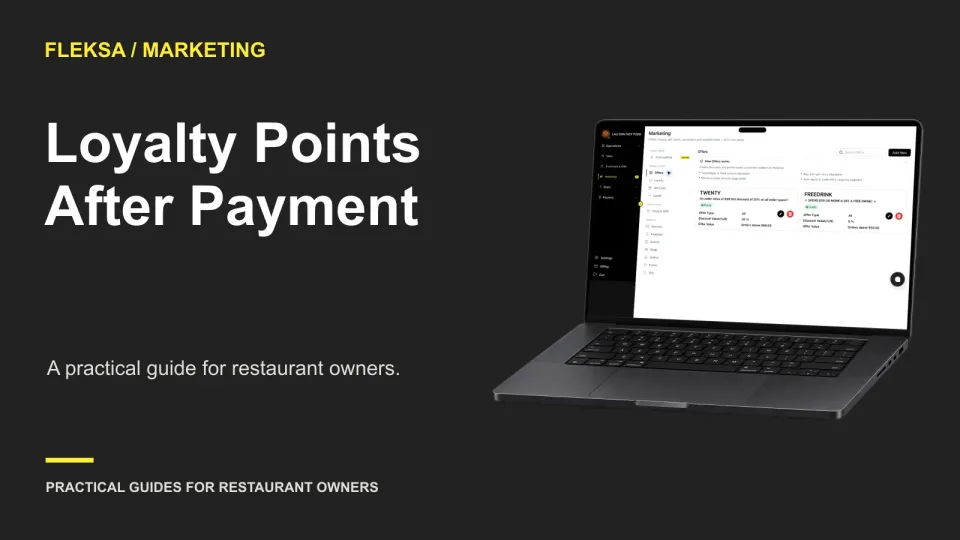
A guest who joins your loyalty program after paying may or may not be able to claim points for that purchase. Use this worksheet to define your policy and check the receipt, account and staff workflows before buying software.
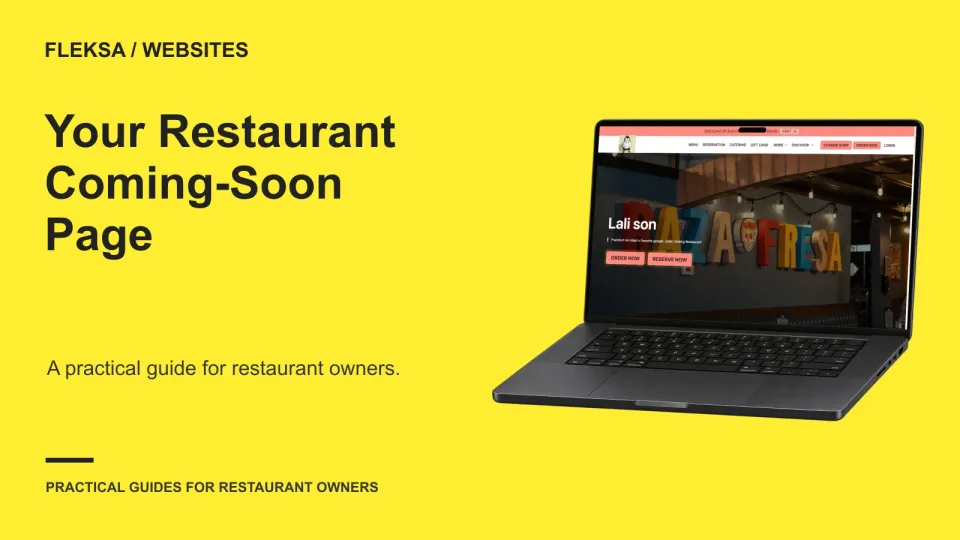
You do not need an opening date to publish a useful restaurant coming-soon page. Start with verified details, choose one contact path you can maintain, and keep tentative dates and services out of confirmed claims.
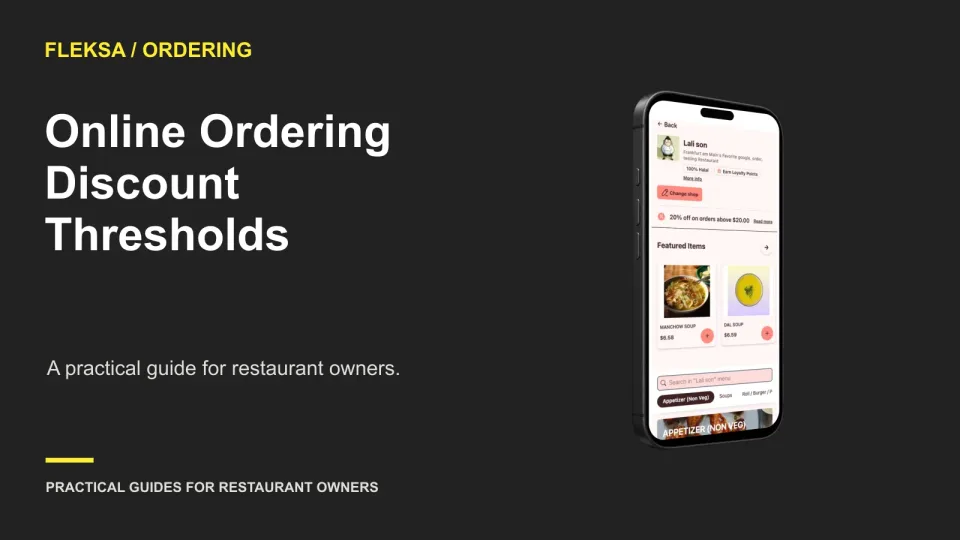
A minimum basket can encourage guests to add an item, but it can also discount orders that would have qualified anyway. Use this worksheet and test plan to choose a threshold based on contribution, not order value alone.
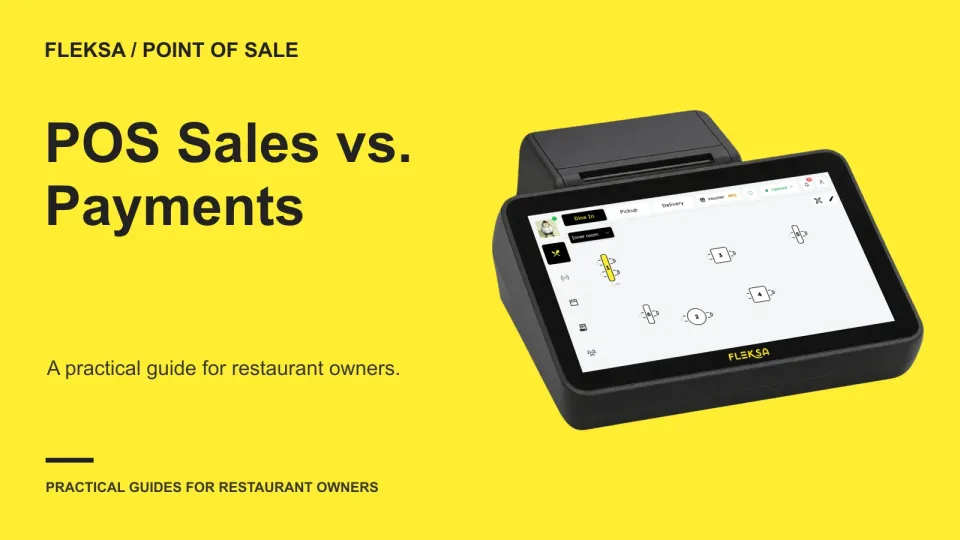
A sales total and a payment total can differ without either report being wrong. Use this practical worksheet to compare their scope, trace timing differences and identify adjustments that still need an answer.
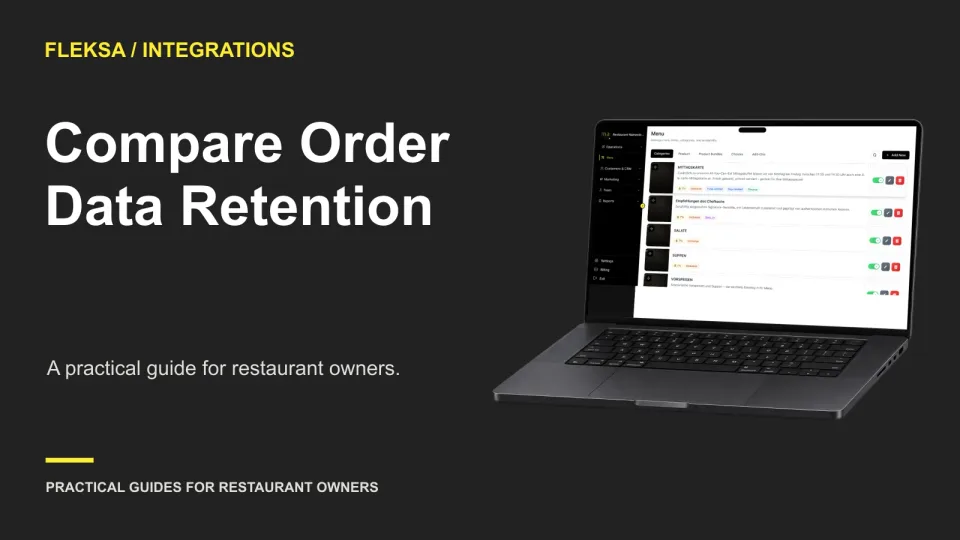
An aggregator may make orders easier to manage, but that does not tell you how long their records remain available. Use a retention matrix and a sample comparison to find access gaps before you choose a provider.
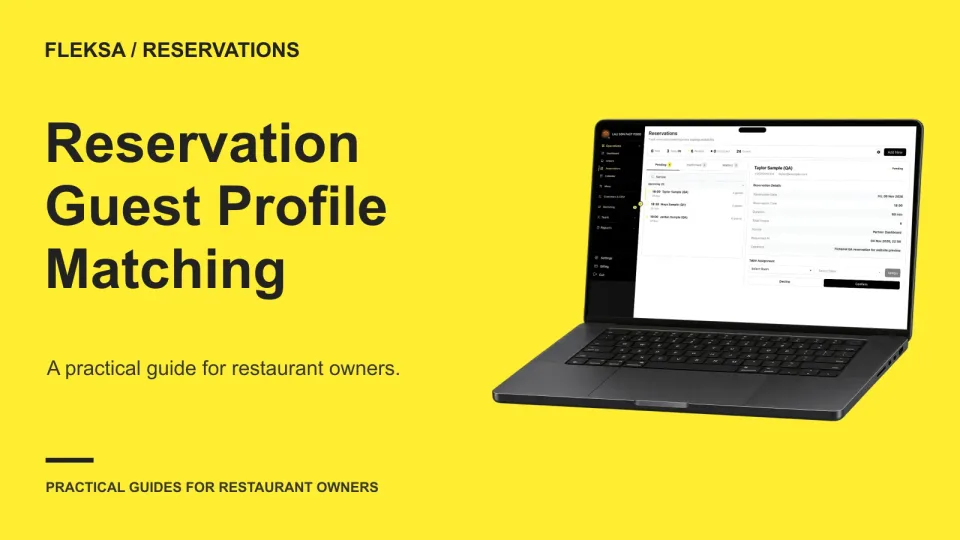
A reservation linked to the wrong guest can mislead the host and distort visit history. Use this worksheet to compare matching rules, assign exception reviews, and test whether a vendor’s workflow gives managers enough control.
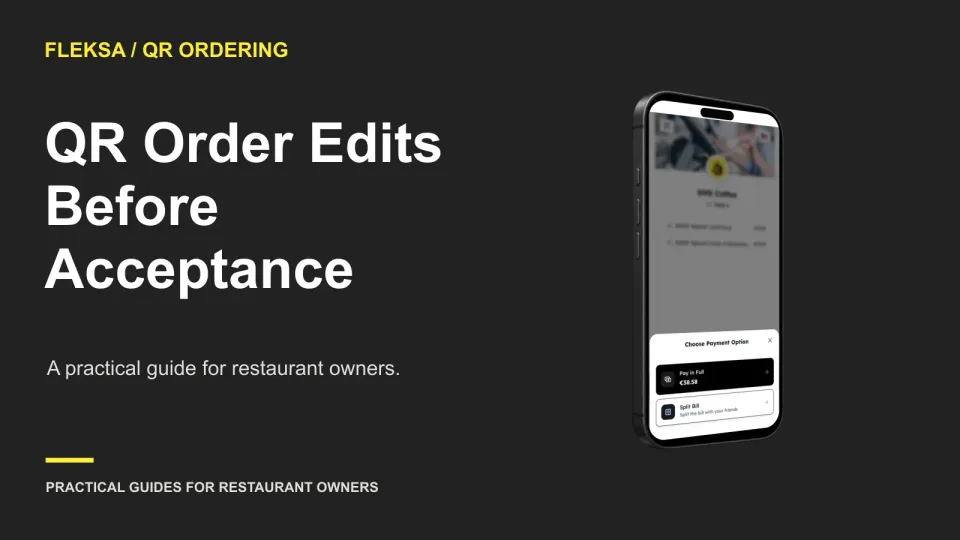
A guest spots a mistake after sending a QR order. Decide who handles the correction, what staff should see, and which version counts if acceptance and an edit happen at the same time.
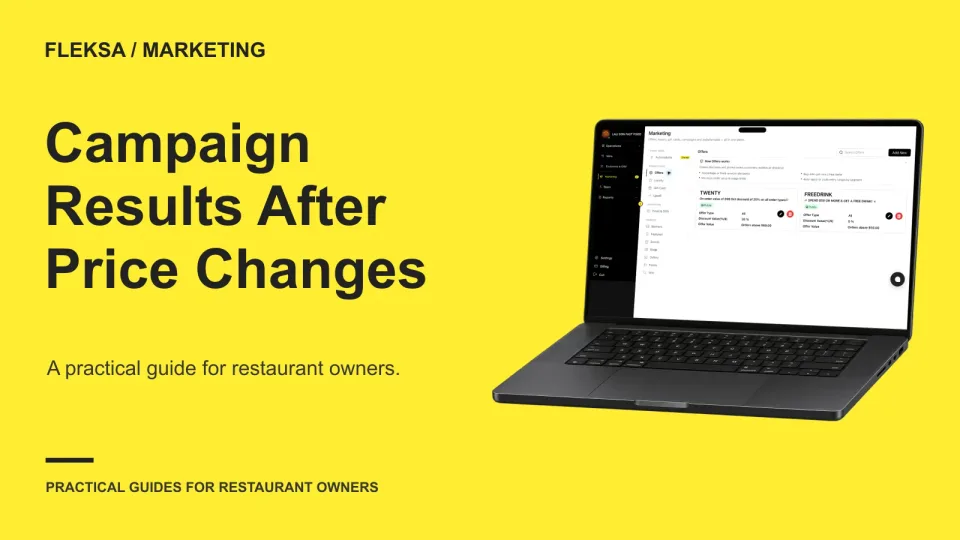
A campaign can report more revenue simply because menu prices went up. Use this worked example and decision worksheet to separate price, order count, and item mix before deciding what the results mean.
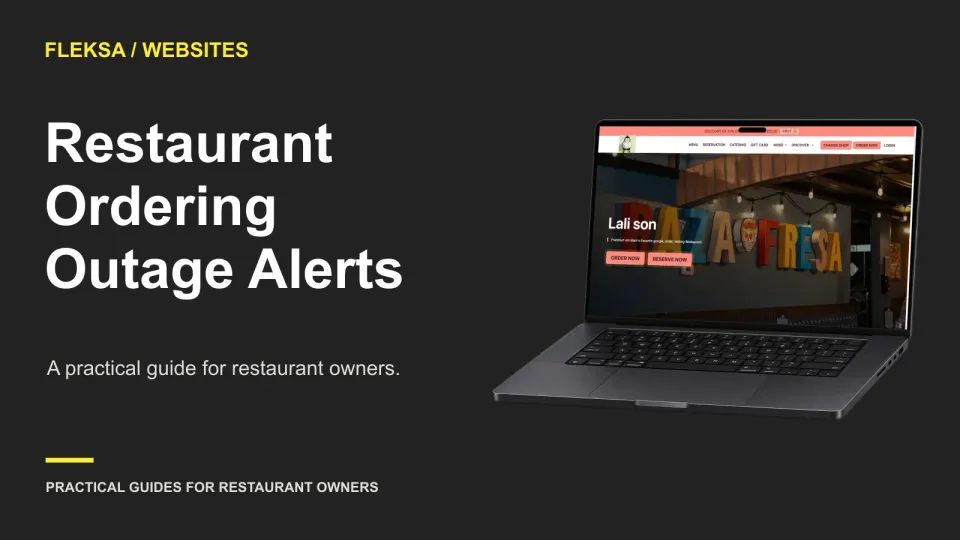
When online ordering goes down but your website still works, a clear sitewide notice can keep guests from hitting a dead end. Use this checklist to choose the message, placement, update owner, and removal process.
Page 52 of 94
Older articles for diners