Compare software, understand costs, and plan your next step.
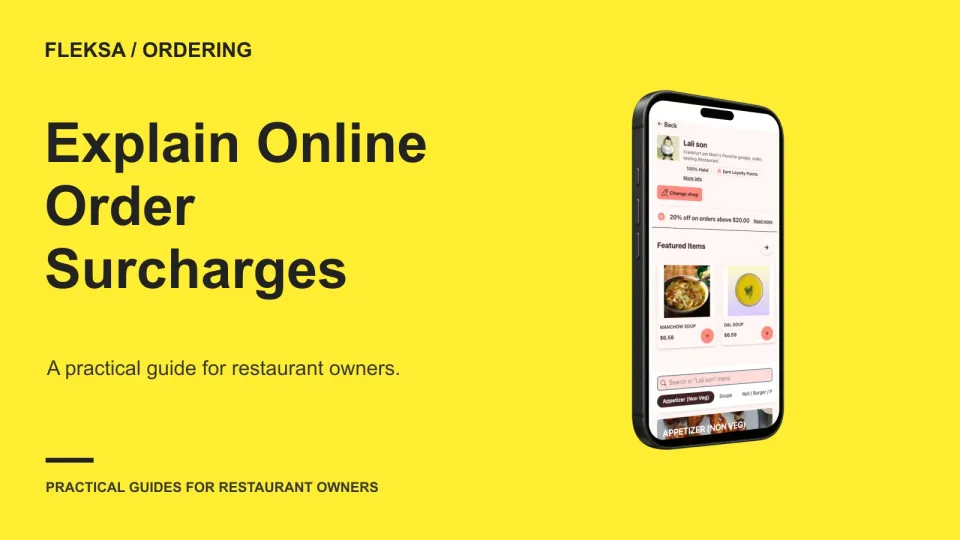
A surcharge is easier for guests to understand when its name, purpose, and amount appear before they place an order. Use this review checklist to check the wording, checkout flow, receipt, and staff response.
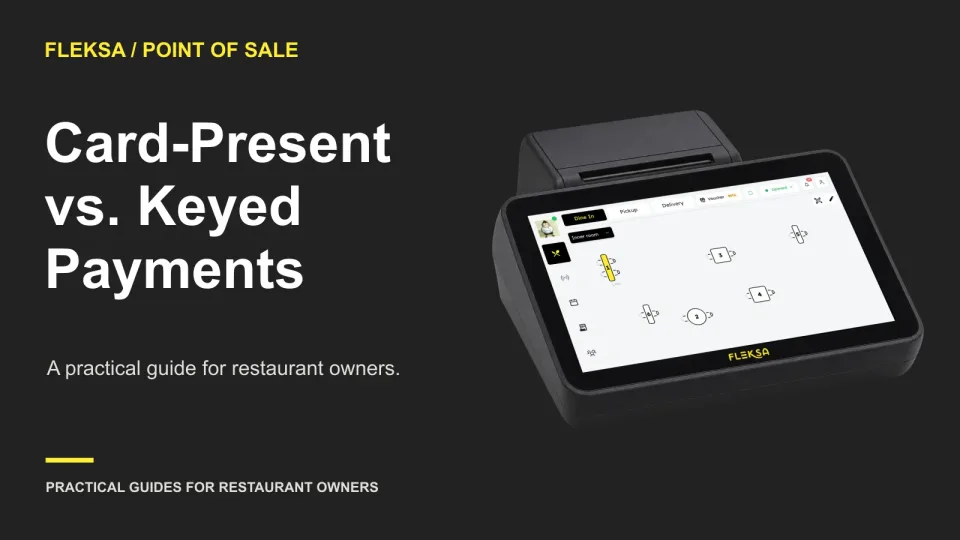
Keyed entry can help when a card cannot be presented, but the quoted rate is only part of the decision. Compare the workflow, staff permissions, authorization and dispute records before choosing how your restaurant accepts payments.
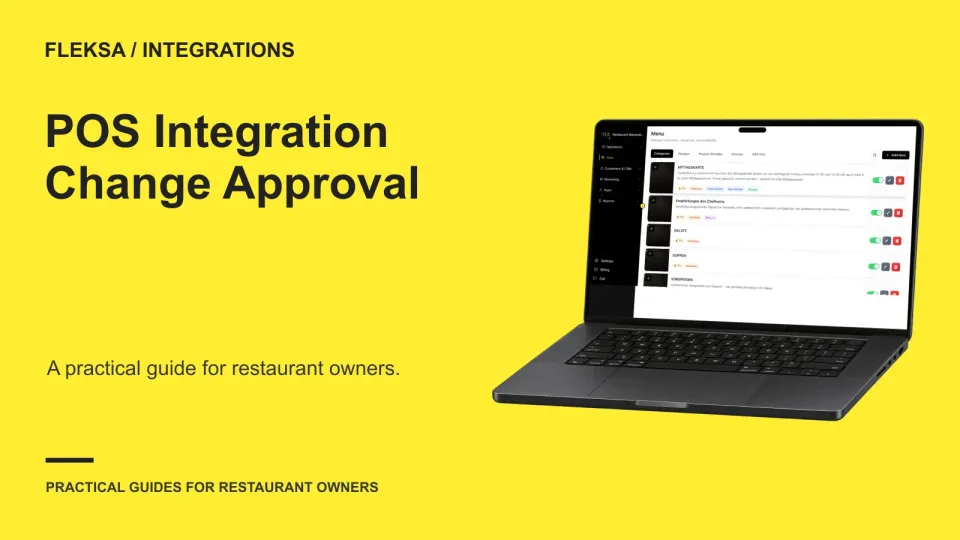
An integration vendor may need to change how orders reach your POS, but that does not mean every request should be accepted. Set an approval rule, test it with a safe scenario, and keep a record of the decision.
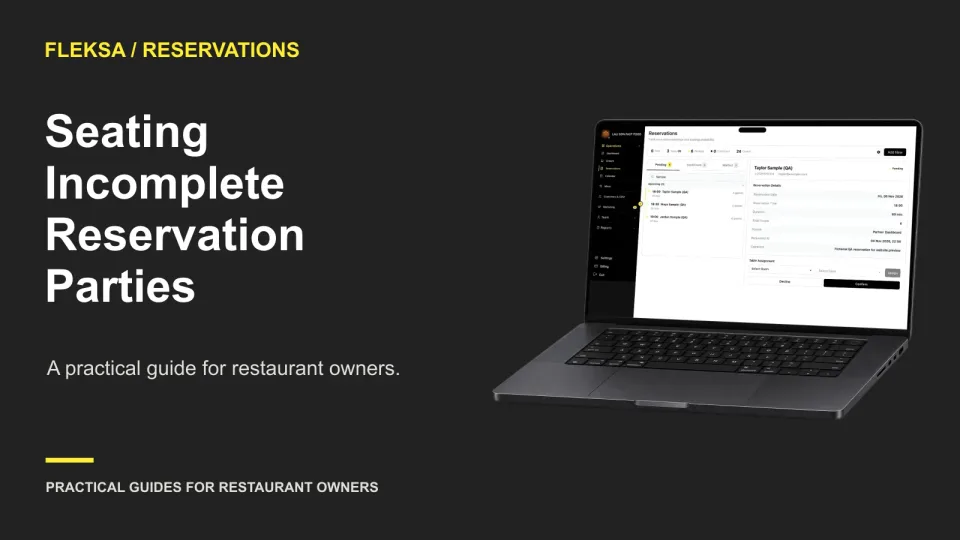
Seating part of a reservation can keep service moving, but only if staff know who is still expected. Use this decision worksheet to compare holding and seating, record the choice, and test the handoff.
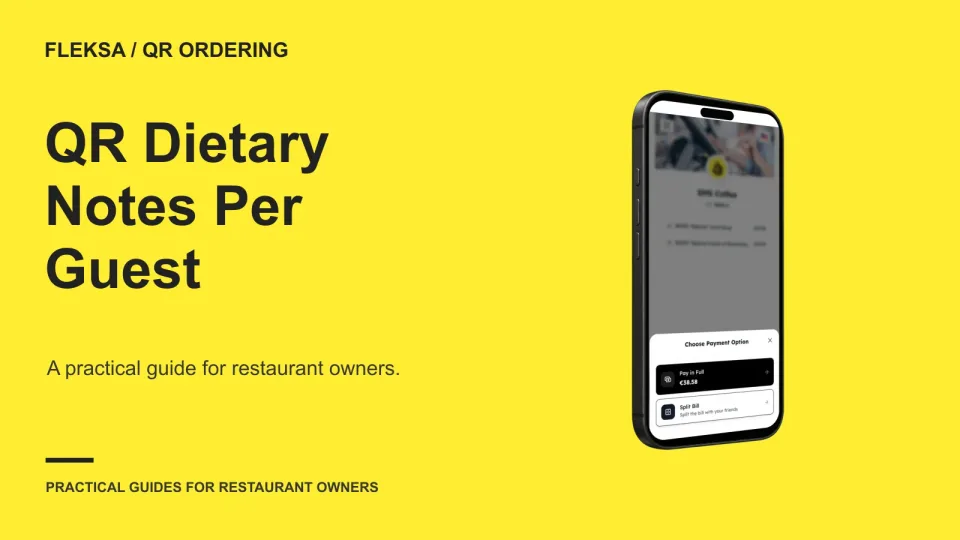
A table number alone may not tell the kitchen or runner which guest requested a change. Use this four-guest example to evaluate item notes, ticket details, seat changes, and the handoff before choosing QR ordering software.
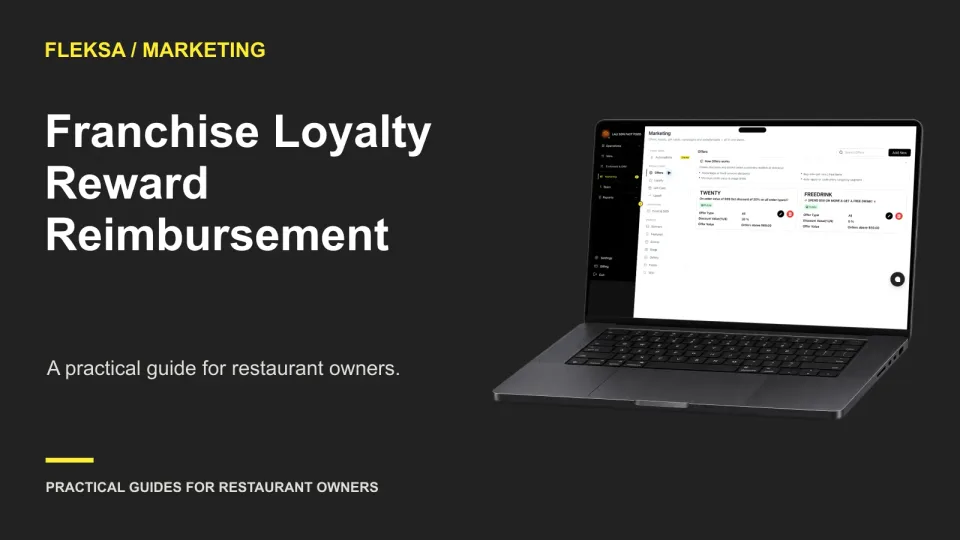
When a guest earns a reward at one franchise location and redeems it at another, someone must absorb the cost. Use this worksheet to compare settlement rules, reporting needs, and owner acceptance criteria before choosing a loyalty system.
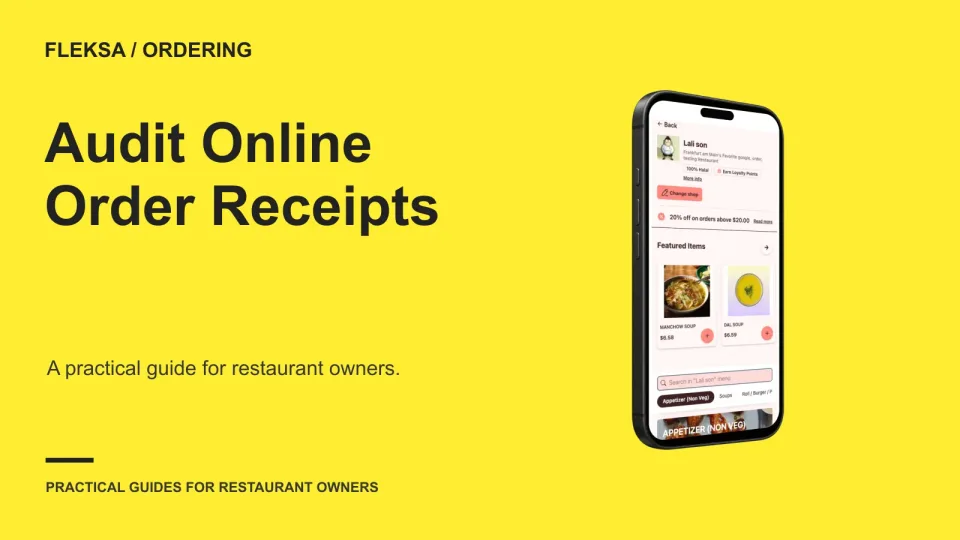
A receipt should tell the same order story as the final checkout screen. Use a line-by-line worksheet to check items, options, fees, tips, and totals, then document differences and ask your provider for a fix.
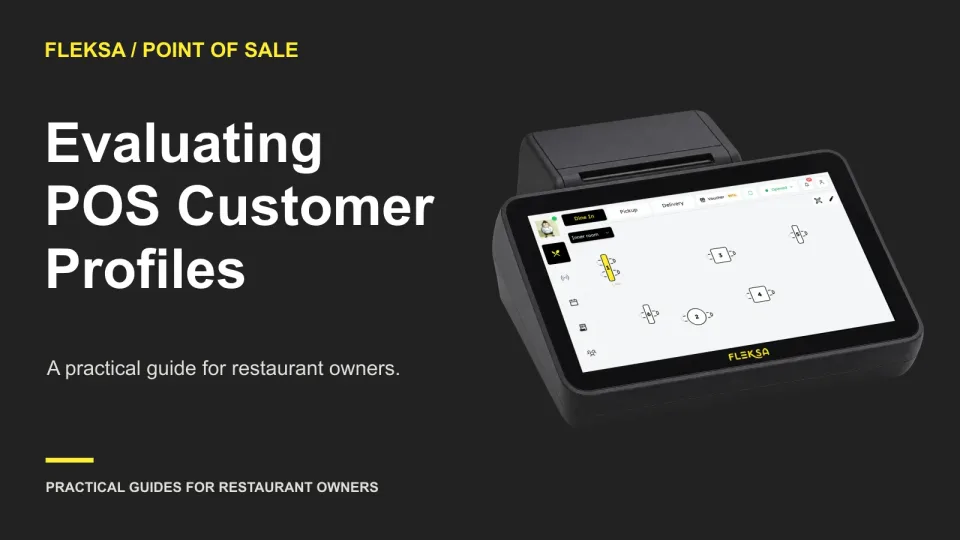
A customer profile is useful only if staff can find the right guest and fix mistakes safely. Use these practical scenarios to compare lookup, duplicate handling, permissions, exports, and deletion before choosing a POS.
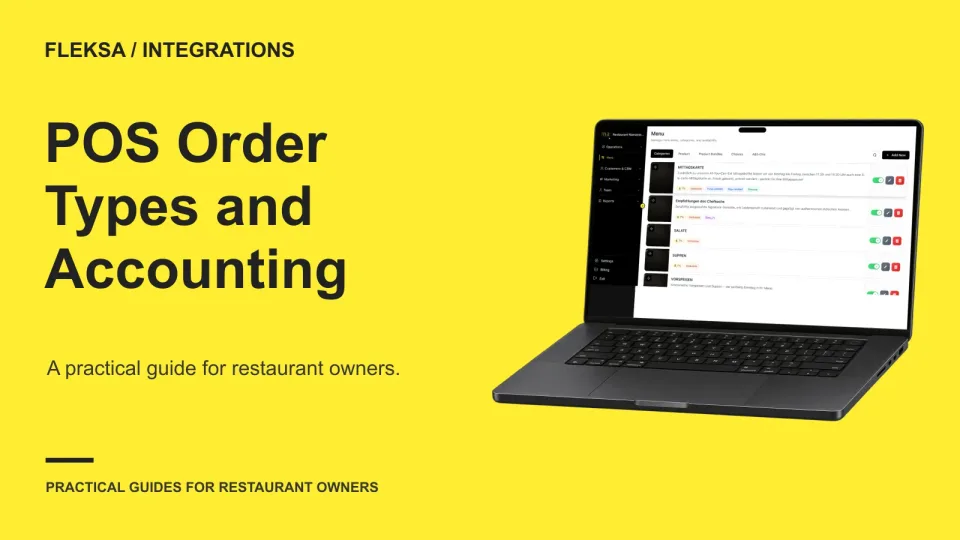
A POS may record dine-in and takeout orders, but that does not mean an accounting export separates them correctly. Use this practical check to compare categories, reconcile gross sales, and assign follow-ups before rollout.
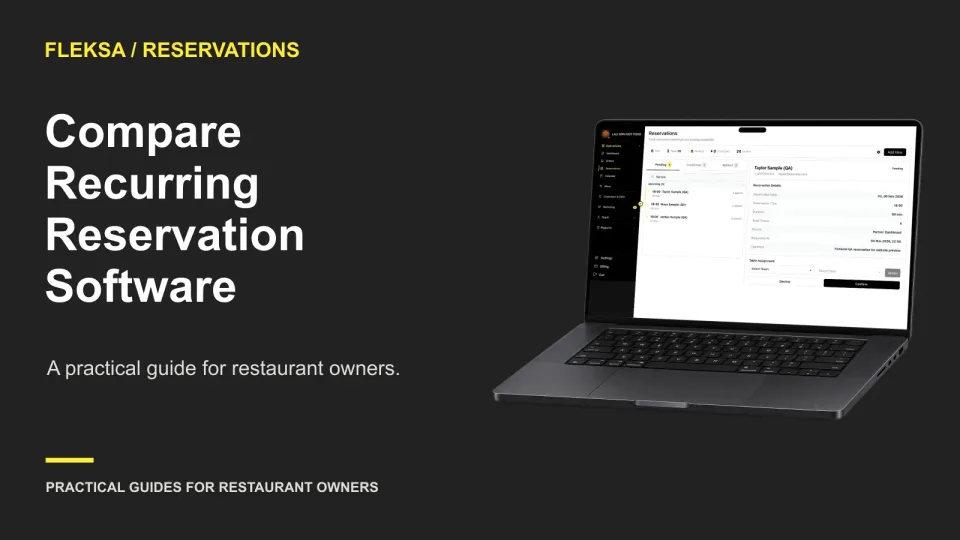
A recurring booking should save staff time without hiding sold-out dates or making one cancellation affect the whole series. Use this practical calendar worksheet and acceptance test to compare reservation software before committing.
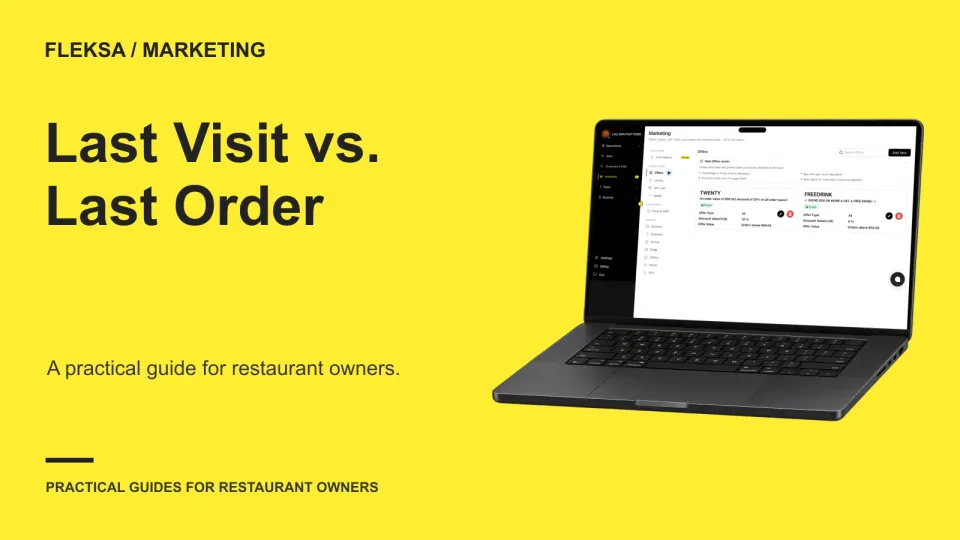
A guest can have an old visit date and a recent order date, or the reverse. Use this worksheet to define activity, compare audience rules, and agree on the results before sending a campaign.
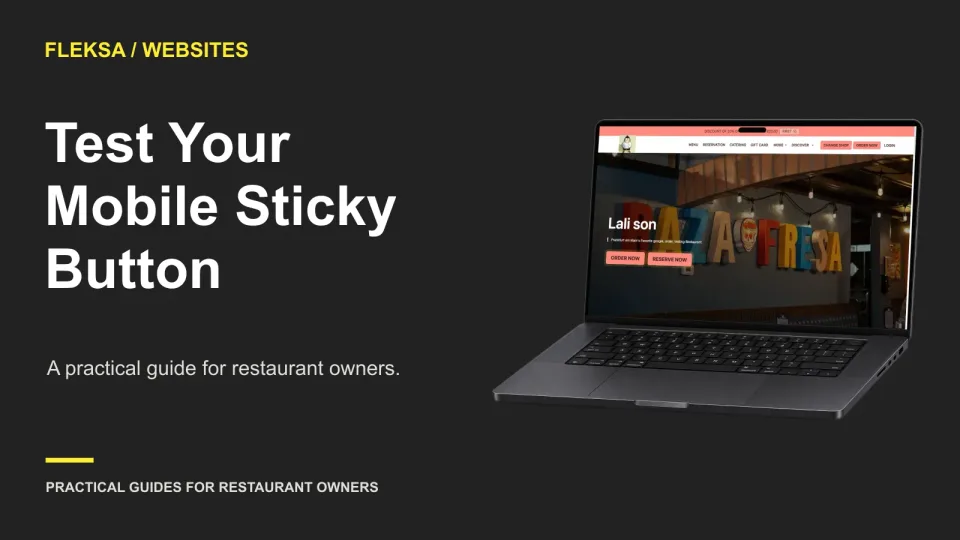
A fixed order button can stay visible while guests scroll, but it can also cover important controls. Use this practical test matrix to check screen sizes, consent choices, keyboard focus, and the ordering destination.
Page 53 of 94
Older articles for diners